Best Laser Engravers for Beginners (October 2026)
A good first laser is enclosed, focuses itself and comes with software that works on day one. This list only includes machines that score 75 or more on our ease-of-use scale and cost $3,000 or less, ranked on ease first.
Top picks
How we rank: by our own scores for power, speed, ease of use, safety and value, from the maker's published specs and independent tests where they exist. Some links earn us a commission (for example TwoTrees, SainSmart, Gweike and Amazon). That never changes a score or the order of a list (disclosure).
The 8 best, ranked
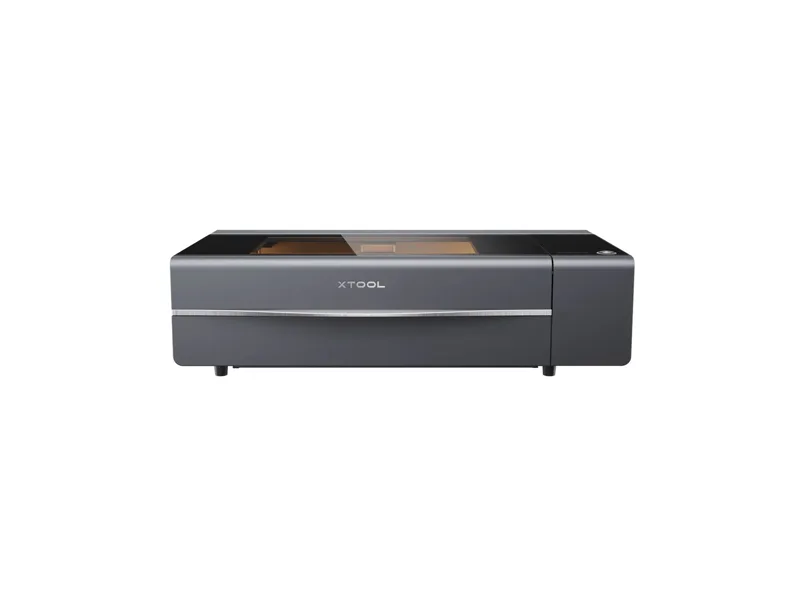
from $2,999 at xTool, checked Oct 22
- Power 55 W optical
- Work area 600 × 308 mm
- Form Enclosed
- Air assist Built in
Best for: Makers and small businesses who want a real CO2 cutter for wood and acrylic products without building a dedicated laser room
Why we like it
- Cuts acrylic in any color, including clear, which no diode can do
- 55W CO2 cuts 18 mm hardwood in one pass, far faster than any diode
- Dual 16MP cameras and LiDAR autofocus make placing jobs close to point and shoot
Watch out for
- 45 kg with a 1000 x 639 mm footprint, so it needs a solid bench and two people to move
- The glass CO2 tube is a consumable rated for about 6,000 to 8,000 hours
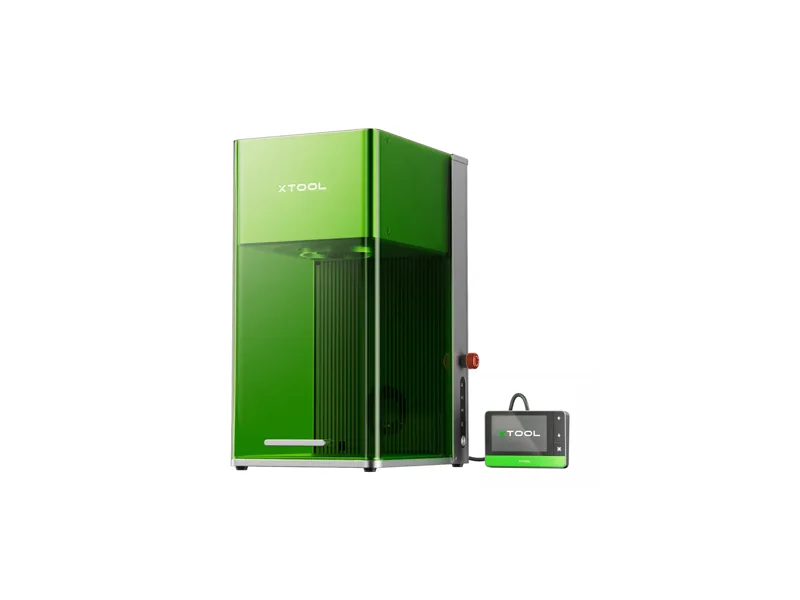
from $2,999 at xTool, checked Oct 22
- Power 20 W optical
- Work area 220 × 220 mm
- Form Desktop galvo
- Air assist None
Best for: Small businesses and serious hobbyists personalizing metal and wood items in batches, such as tags, jewelry, tumblers and coins
Why we like it
- Fiber and diode in one box: metal marking and wood or leather engraving without swapping machines
- Galvo speed of up to 10,000 mm/s makes batches of tags, coins and keyrings fast
- Arrives preassembled and fully enclosed, with a camera for placement and autofocus
Watch out for
- Small 220 x 220 mm field, so it is for small parts, not signs or panels
- Standard 20W fiber, not MOPA, so color range and black marking on metal trail the F2 Ultra
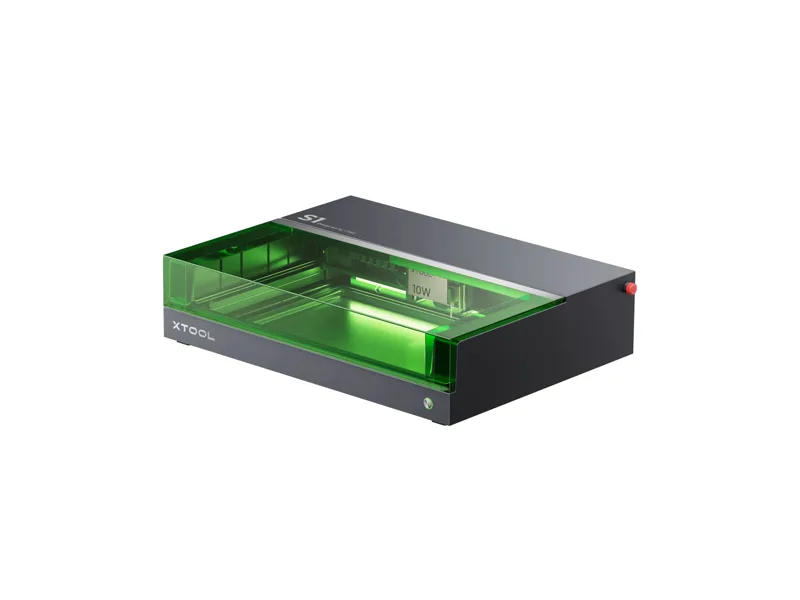
from $1,699 at xTool, checked Oct 22
- Power 40 W optical
- Work area 498 × 319 mm
- Form Enclosed
- Air assist Included
Best for: Hobbyists and small sellers who want a powerful diode cutter for wood and dark acrylic that is safe to run in a shared space
Why we like it
- Class 1 enclosure means no safety glasses or laser curtain for normal use at home
- 40W optical diode cuts 15 mm plywood or black acrylic in a single pass
- Large 498 x 319 mm work area plus a passthrough for long boards
Watch out for
- No camera, so you place jobs with the red-dot pointer instead of a live preview
- Cannot cut clear or blue acrylic, and bare metal needs the optional IR module
Full review and specs · Compare with Creality Falcon A1 Pro 20W
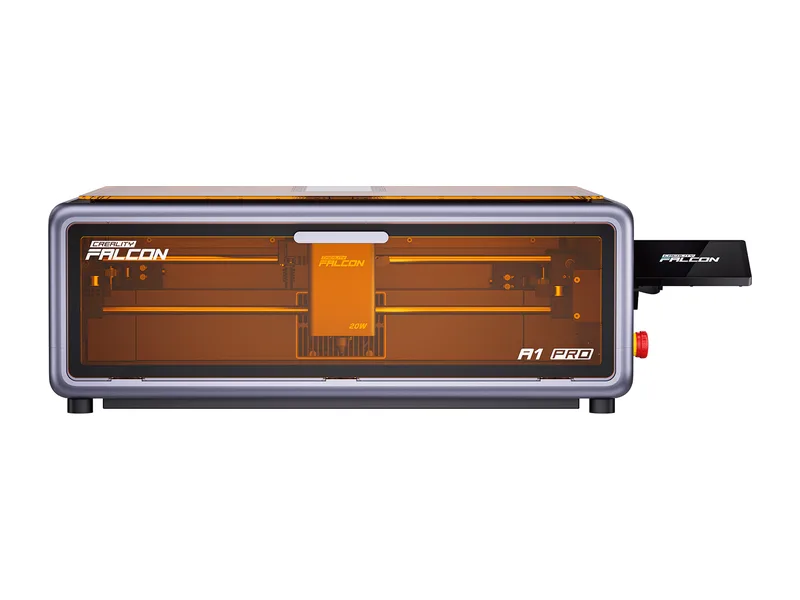
from $879 at Creality, checked Oct 22
- Power 20 W optical
- Work area 358 × 268 mm
- Form Enclosed
- Air assist Included
Best for: Beginners and craft sellers who want an enclosed, app-connected 20W laser with autofocus and camera, and may add metal marking later
Why we like it
- Autofocus by camera and red-dot ranging, so no focus block for normal jobs
- Class 1 enclosure with dual flame detection that stops the job and alerts your phone, plus tilt stop and key lock
- Touchscreen, Wi-Fi app control and USB drive jobs, so it runs without a computer tethered to it
Watch out for
- The 'Dual-laser' name oversells the base listing: the 2W IR module is not included at $1,099 and costs $379 on its own
- $1,099 for 20W optical is steep: $400 more than the 20W Genmitsu L8, and $600 short of the 40W xTool S1
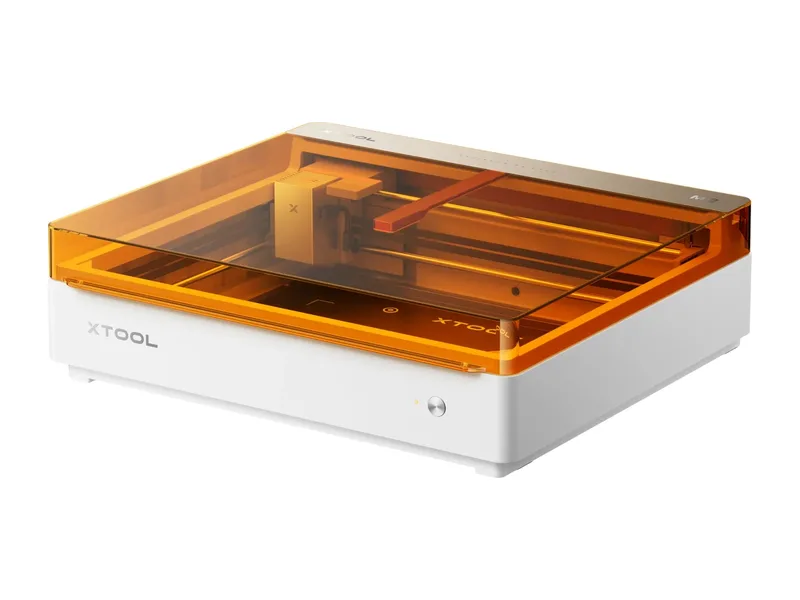
from $499 at xTool, checked Oct 22
- Power 10 W optical
- Work area 426 × 320 mm
- Form Enclosed
- Air assist Built in
Best for: Crafters and families who want a safe, camera-guided enclosed laser for a shared room, and sticker or decal makers who will add the color printer
Why we like it
- Class 1 enclosure with lid and baseplate interlocks and flame detection, so it suits a shared craft room
- Dual cameras, autofocus and thickness measurement: place the material, close the lid and it lines the job up
- Optional CMYK inkjet with true black (1200 x 1200 dpi) makes it a print then cut machine for stickers, decals and puzzles
Watch out for
- Only 26 mm of material height with the baseplate fitted, and no riser base, honeycomb or conveyor support
- No blade or pen: the M1 Ultra's blade cutting for vinyl and fabric is gone
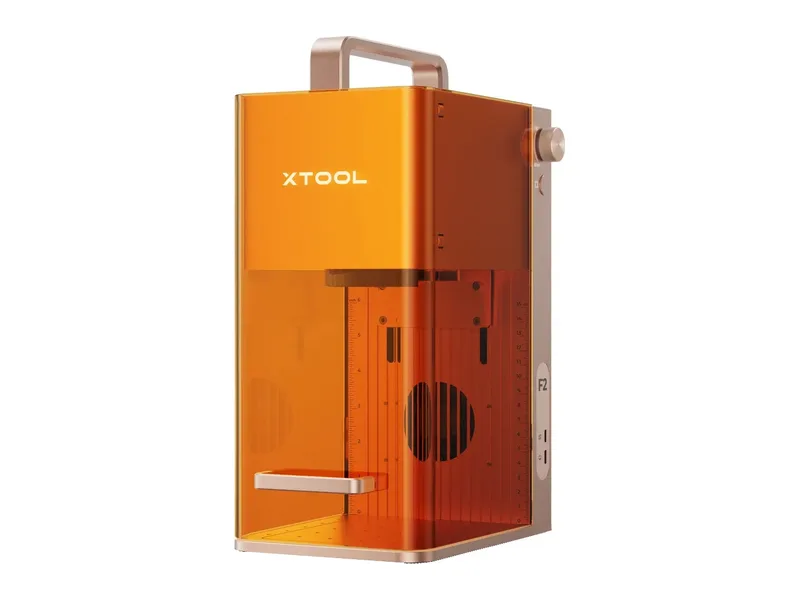
from $1,299 at xTool, checked Oct 22
- Power 15 W optical
- Work area 115 × 115 mm
- Form Desktop galvo
- Air assist None
Best for: Market sellers and small personalization businesses who engrave metal and wooden items in small batches, at home or on site
Why we like it
- Two lasers in a 4.6 kg box with a carry handle: 5W IR for metal and plastics, 15W diode for wood, leather and dark acrylic
- 6,000 mm/s galvo marking, 50% faster than the F1
- 50MP camera with drag and drop placement, batch fill and autofocus, none of which the F1 has
Watch out for
- Small 115 x 115 mm field; longer parts need the $219 Slide Extension
- Class 4: goggles are on you, and a reviewer found the enclosure may not close fully with the slide extension or rotary fitted
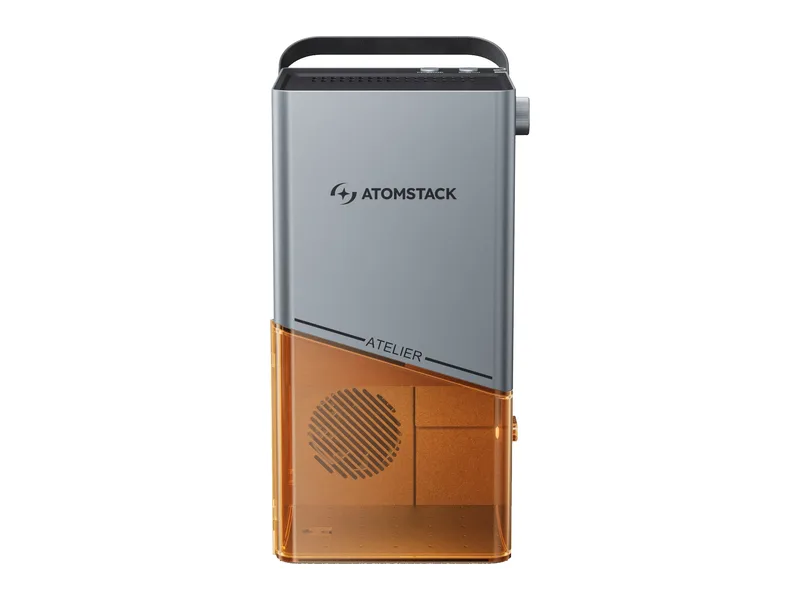
from $599 at AtomStack, checked Oct 22
- Power 12 W optical
- Work area 120 × 120 mm
- Form Enclosed
- Air assist None
Best for: Crafters, schools and market sellers who personalize small items in batches and need a Class 1 machine they can carry and run in a shared space
Why we like it
- Class 1 enclosure with door interlock, tilt stop and a USB key, so it suits shared rooms and classrooms
- Galvo scanning at a claimed 4,000 mm/s makes batches of coasters, tags and keyrings quick
- Built-in camera with batch positioning places designs on several items at once
Watch out for
- Tiny 120 x 120 mm field; the R4 conveyor stretches it to 350 x 120 mm but was sold out
- 12W cuts about 6 mm wood at best, so it is an engraver first
Full review and specs · Compare with SainSmart Genmitsu L8 20W
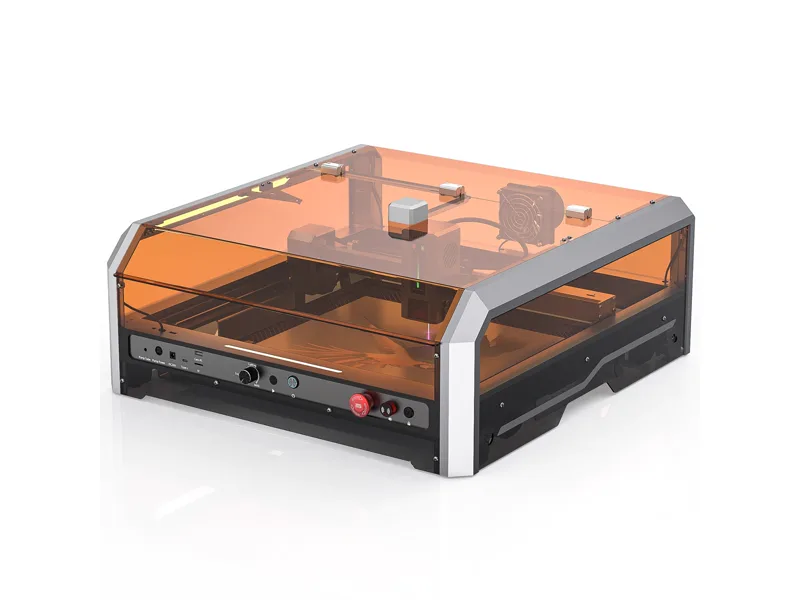
from $699 at SainSmart, checked Oct 22
- Power 20 W optical
- Work area 400 × 400 mm
- Form Enclosed
- Air assist Included
Best for: Home users who want a 20W diode in a real Class 1 enclosure with camera and air assist in the box
Why we like it
- Class 1 enclosure with door interlock, flame sensor, tilt stop, e-stop and key switch
- Ships pre-assembled with air pump, honeycomb and a LightBurn-compatible camera
- 40,000 mm/min rated speed is fast for a diode
Watch out for
- Manual focus with gauge blocks; one owner found the supplied gauges did not match the manual
- No published machine weight, and the box is a large 715 x 621 mm
All 17 compared
| # | Laser | Type | Optical power | Work area | Price | Overall | Value | Safety |
|---|---|---|---|---|---|---|---|---|
| 1 | xTool P2S | CO2 laser | 55 W | 600 × 308 mm | $2,999 | 82 | 80 | 85 |
| 2 | xTool F1 Ultra | Dual laser | 20 W | 220 × 220 mm | $2,999 | 76 | 72 | 82 |
| 3 | xTool S1 40W | Diode laser | 40 W | 498 × 319 mm | $1,699 | 78 | 76 | 90 |
| 4 | Creality Falcon A1 Pro 20W | Diode laser | 20 W | 358 × 268 mm | $879 | 72 | 62 | 90 |
| 5 | xTool M2 | Diode laser | 10 W | 426 × 320 mm | $499 | 74 | 80 | 90 |
| 6 | xTool F2 | Dual laser | 15 W | 115 × 115 mm | $1,299 | 74 | 80 | 58 |
| 7 | AtomStack Atelier | Galvo diode laser | 12 W | 120 × 120 mm | $599 | 71 | 72 | 86 |
| 8 | SainSmart Genmitsu L8 20W | Diode laser | 20 W | 400 × 400 mm | $699 | 76 | 80 | 90 |
| 9 | OMTech Polar Lite 55W | CO2 laser | 55 W | 510 × 300 mm | $2,200 | 75 | 78 | 88 |
| 10 | Gweike Cloud Pro II 50W | CO2 laser | 50 W | 510 × 300 mm | $1,659 | 74 | 84 | 88 |
| 11 | Creality Falcon A1 10W | Diode laser | 10 W | 305 × 381 mm | $466 | 70 | 66 | 88 |
| 12 | LaserPecker LP5 | Dual laser | 20 W | 100 × 100 mm | $2,699 | 72 | 58 | 50 |
| 13 | Creality Falcon A1C 5W with AI Camera | Diode laser | 5 W | 150 × 150 mm | $299 | 62 | 74 | 86 |
| 14 | LaserPecker LX2 | Diode laser | 20 W | 500 × 305 mm | $1,499 | 72 | 62 | 90 |
| 15 | Creality Falcon T1 20W Diode | Galvo diode laser | 20 W | 175 × 175 mm | $2,249 | 67 | 55 | 85 |
| 16 | LaserPecker LP4 | Dual laser | 10 W | 160 × 120 mm | $1,199 | 66 | 62 | 45 |
| 17 | AtomStack M4 Pro | Dual laser | 10 W | 100 × 100 mm | $1,149 | 64 | 60 | 42 |
Frequently asked questions
What is the best laser engraver for a beginner?
On our scores it is the xTool P2S (82/100, from $2,999 at xTool, checked Oct 22). Makers and small businesses who want a real CO2 cutter for wood and acrylic products without building a dedicated laser room.
Do I need ventilation for a laser engraver?
Yes. Every laser on this list makes smoke and fumes. Vent it outside through a window kit or duct, or use a proper fume extractor, and never cut PVC or vinyl, which release chlorine gas.
Diode, CO2 or fiber?
Diode for affordable wood and leather work, CO2 for clear acrylic, thick wood and production speed, fiber for marking and engraving metal.