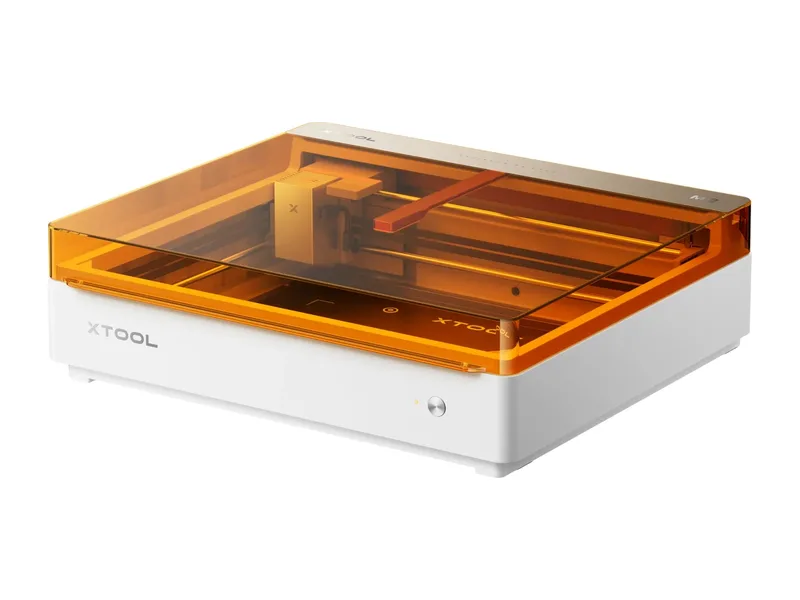
Diode laser · Enclosed · xTool
xTool M2
Crafters and families who want a safe, camera-guided enclosed laser for a shared room, and sticker or decal makers who will add the color printer
from $499 at xTool, checked Oct 31
Image: xTool. Prices change often; the shop shows the current price.
Quick verdict
The M2 is xTool's replacement for the M1 Ultra: an enclosed Class 1 diode laser with a 10W or 20W blue module, dual cameras, autofocus and a built-in air pump, plus an optional CMYK inkjet module that prints in full color, including true black, before the laser cuts the shape out. The laser bed is 426 x 320 mm and the head moves at up to 600 mm/s. Unlike the M1 Ultra it has no blade or pen, so it is a laser with a printer, not a four-in-one craft machine. Watch the 26 mm height limit, ink costs and the lack of LightBurn. At $499 for the 10W standalone it is good value for a safe, camera-guided craft laser.
What you still need
The CMYK inkjet module ($169, or the $599 10W Color Print & Cut bundle) if you want to print, spare ink cartridges ($59 each), and the RA3 Lite rotary ($259) for tumblers and rings; the 10W Deluxe bundle with printer and rotary is $829. A window vent route for the exhaust hose or the $299 Desktop Air Purifier for M2, and the $499 3W IR module if you want to mark bare metal. Better clamps or pins help with thin stock that shifts during cuts.Material reality check
The diode cuts wood, MDF, opaque acrylic, paper, cardstock, cardboard, foam, leather and felt, and engraves those plus rubber, cork, ceramic, glass, plated metal and coated or anodized aluminum (xTool also lists stainless steel, which is surface marking). The 3W IR module adds bare metal marking. The inkjet prints directly on photo, sticker and temporary tattoo paper, cardstock and felt, and on wood, canvas, satin fabric, acrylic and glass after a pre-treatment. It cannot cut clear acrylic or any metal. Never laser PVC or vinyl; xTool's own advice is to check that any vinyl sheet is labeled PVC-free first.Better alternative if
if you want LightBurn support and do not need the color printer, the Falcon A1 is a comparable enclosed 10W machine: Creality Falcon A1 10WScores
Scored on the same scale for every laser on this site. See all lasers ranked.
Specifications
| Laser type | Diode laser |
|---|---|
| Form | Enclosed |
| Optical power | 10 W |
| Other modules | 20W diode version ($899 standalone); optional 3W 1064 nm IR module ($499) and CMYK inkjet printing module ($169) swap in on the same carriage; no blade or pen, unlike the M1 Ultra |
| Wavelength | 445 ± 15 nm (diode); 1064 nm with the IR module |
| Work area | 426 × 320 mm |
| Max speed | 600 mm/s |
| Cutting (maker claim) | 8 mm basswood and 3 mm black acrylic in one pass with the 10W module; 10 mm and 8 mm with the 20W (maker claims) |
| Precision | 0.01 mm motion accuracy and up to 0.2 mm camera positioning (maker claims) |
| Air assist | Built in |
| Camera | Yes |
| Autofocus | Yes |
| Rotary support | Yes |
| Safety | Class 1 enclosure (TÜV SÜD certified) with interlocks on the lid and baseplate, camera flame detection and a built-in exhaust fan |
| Connectivity | USB, Wi-Fi |
| Software | xTool Studio |
| Weight | 12.3 kg |
| Price | from $499 at xTool, checked Oct 31 |
Pros and cons
Why we like it
- Class 1 enclosure with lid and baseplate interlocks and flame detection, so it suits a shared craft room
- Dual cameras, autofocus and thickness measurement: place the material, close the lid and it lines the job up
- Optional CMYK inkjet with true black (1200 x 1200 dpi) makes it a print then cut machine for stickers, decals and puzzles
- Adjustable air assist pump and exhaust fan are built in
- Generous 426 x 320 mm laser area for a $499 enclosed machine
Watch out for
- Only 26 mm of material height with the baseplate fitted, and no riser base, honeycomb or conveyor support
- No blade or pen: the M1 Ultra's blade cutting for vinyl and fabric is gone
- xTool Studio only; xTool says it is not compatible with LightBurn
- Ink is a running cost: non-refillable 40 ml cartridges at $59 each, and wood, canvas, acrylic or glass need a pre-treatment before printing
- Reviewers found the magnetic hold-downs weak and the material presets hit or miss
Compare with
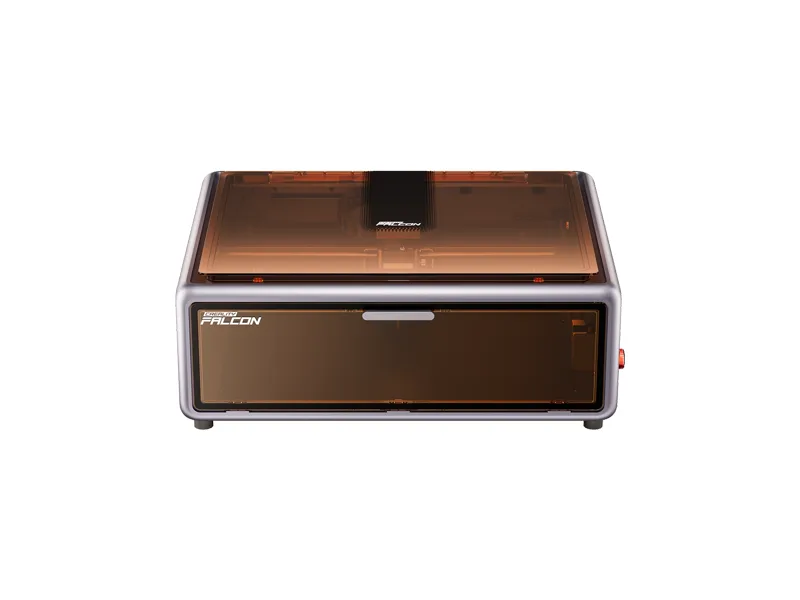
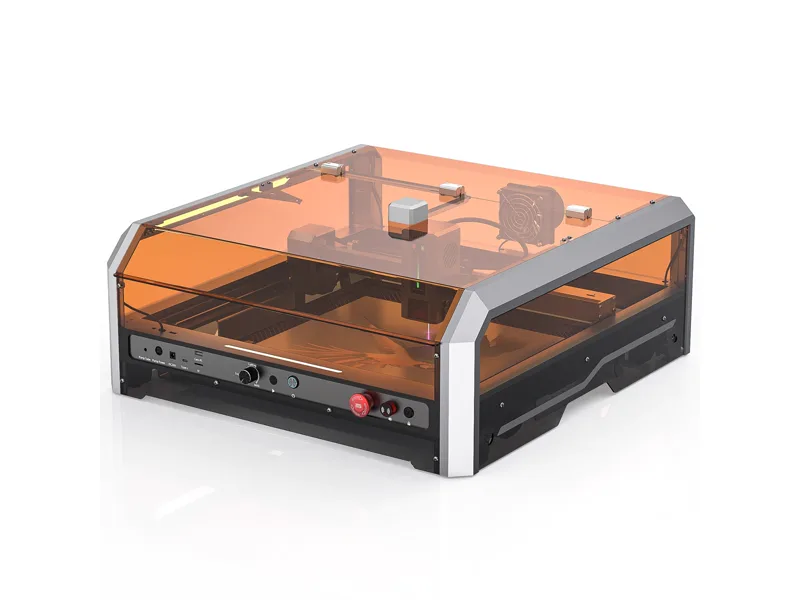
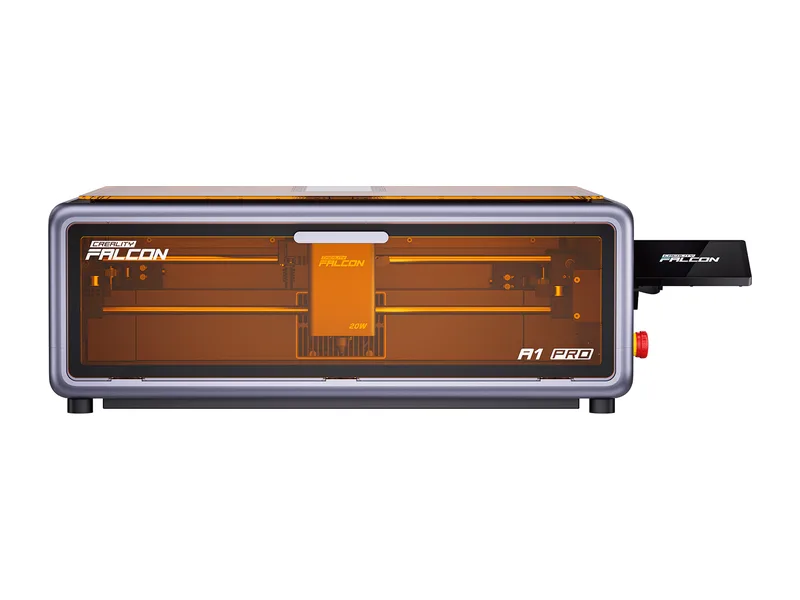
Creality Falcon A1 Pro 20W
Score 72/100 · from $1,099 at Creality, checked Oct 31
Compare side by sideFrequently asked questions
What materials can the xTool M2 cut and engrave?
The diode cuts wood, MDF, opaque acrylic, paper, cardstock, cardboard, foam, leather and felt, and engraves those plus rubber, cork, ceramic, glass, plated metal and coated or anodized aluminum (xTool also lists stainless steel, which is surface marking). The 3W IR module adds bare metal marking. The inkjet prints directly on photo, sticker and temporary tattoo paper, cardstock and felt, and on wood, canvas, satin fabric, acrylic and glass after a pre-treatment. It cannot cut clear acrylic or any metal. Never laser PVC or vinyl; xTool's own advice is to check that any vinyl sheet is labeled PVC-free first.
What else do I need to buy with the xTool M2?
The CMYK inkjet module ($169, or the $599 10W Color Print & Cut bundle) if you want to print, spare ink cartridges ($59 each), and the RA3 Lite rotary ($259) for tumblers and rings; the 10W Deluxe bundle with printer and rotary is $829. A window vent route for the exhaust hose or the $299 Desktop Air Purifier for M2, and the $499 3W IR module if you want to mark bare metal. Better clamps or pins help with thin stock that shifts during cuts.
How much does the xTool M2 cost?
From $499 at xTool, checked Oct 31.
How we rank: by our own scores for power, speed, ease of use, safety and value, from the maker's published specs and independent tests where they exist. Some links earn us a commission (for example TwoTrees, SainSmart, Gweike and Amazon). That never changes a score or the order of a list (disclosure).
Sources
- xTool M2 product page and spec table (US store)
- xTool M2 store data (variant prices)
- xTool M2 FAQs (specs, height limits, blade, LightBurn)
- xTool buyer guide: M2 vs M1 Ultra
- xTool M2 CMYK Inkjet Printing Module
- xTool Ink Cartridge for M2
- xTool M2 3W 1064nm Infrared Laser Module
- xTool P3 collection data (RA3 Lite for M2 price)
- xTool accessory data (Desktop Air Purifier for M2 price)
- Tom's Hardware xTool M2 review
- CGMagazine xTool M2 review
- Shop3DUniverse xTool M2 specifications and bundles