Best CO2 Laser Cutters for Home and Small Business (October 2026)
CO2 lasers cut clear acrylic, thick wood, leather and fabric faster and cleaner than any diode. They are bigger, need proper venting and a tube that eventually wears out, and they cannot mark bare metal without a coating.
Top picks
How we rank: by our own scores for power, speed, ease of use, safety and value, from the maker's published specs and independent tests where they exist. Some links earn us a commission (for example TwoTrees, SainSmart, Gweike and Amazon). That never changes a score or the order of a list (disclosure).
The 5 best, ranked
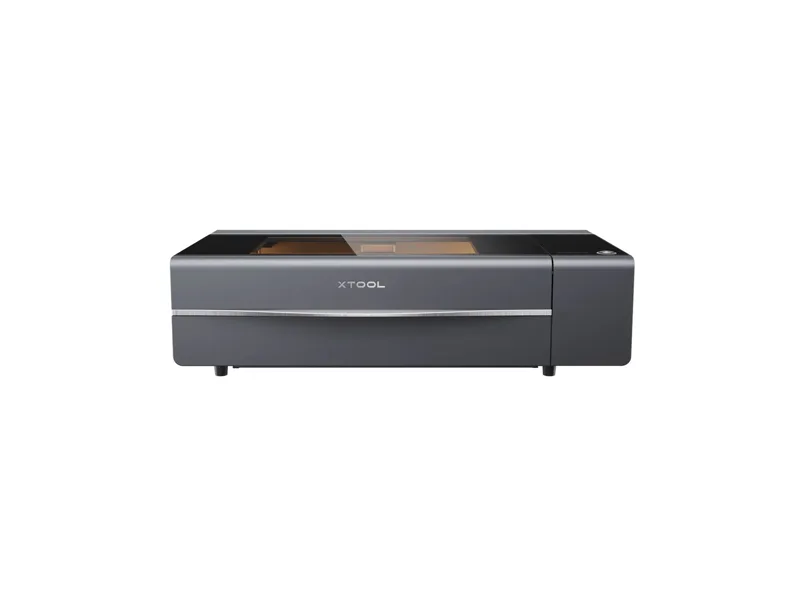
from $2,999 at xTool, checked Oct 22
- Power 55 W optical
- Work area 600 × 308 mm
- Form Enclosed
- Air assist Built in
Best for: Makers and small businesses who want a real CO2 cutter for wood and acrylic products without building a dedicated laser room
Why we like it
- Cuts acrylic in any color, including clear, which no diode can do
- 55W CO2 cuts 18 mm hardwood in one pass, far faster than any diode
- Dual 16MP cameras and LiDAR autofocus make placing jobs close to point and shoot
Watch out for
- 45 kg with a 1000 x 639 mm footprint, so it needs a solid bench and two people to move
- The glass CO2 tube is a consumable rated for about 6,000 to 8,000 hours
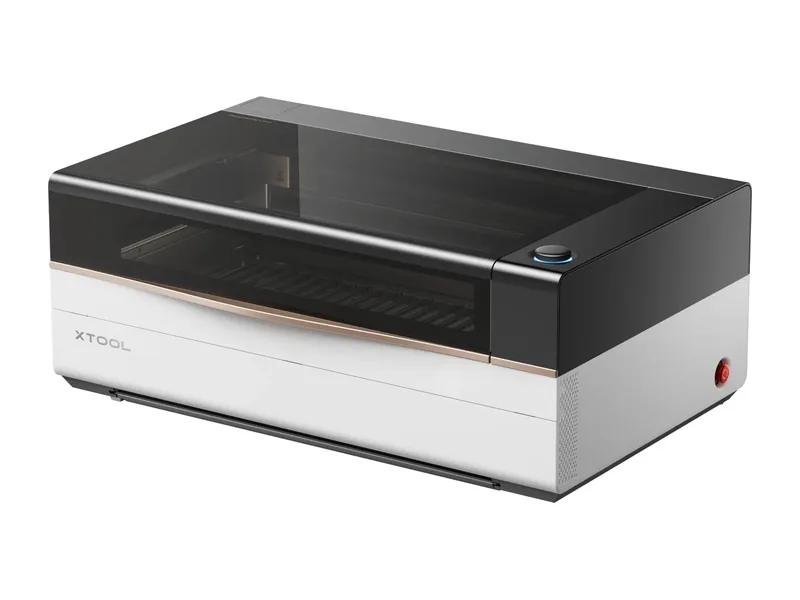
from $6,999 at xTool, checked Oct 22
- Power 80 W optical
- Work area 915 × 458 mm
- Form Enclosed
- Air assist Built in
Best for: Small businesses cutting and engraving wood and acrylic in volume who want a large, highly automated Class 1 CO2 machine and have the floor space for it
Why we like it
- 80W CO2 with claimed one-pass cuts of 20 mm basswood and 25 mm acrylic; Tom's Hardware cut 15.5 mm pine in one pass
- Large 915 x 458 mm bed plus a motorized AutoLift base with 220 mm of working height
- Class 1 rated, with lid interlocks, eight flame sensors and a CO2 fire suppression module
Watch out for
- $6,999 for the machine alone; the stand, honeycomb, rotary, conveyor and IR module are all extra
- 105 kg and 1250 x 780 mm: reviewers needed three or four people to unpack and lift it
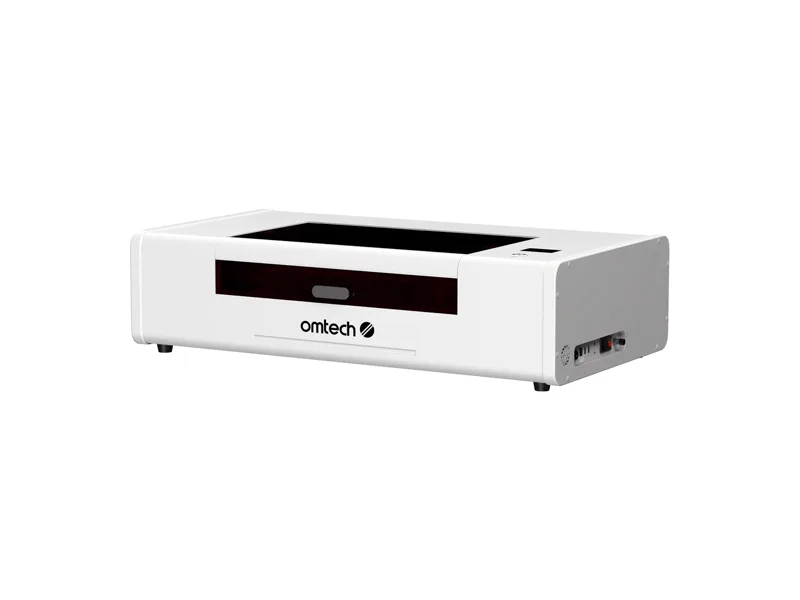
from $2,200 at OMTech, checked Oct 22
- Power 55 W optical
- Work area 510 × 300 mm
- Form Enclosed
- Air assist Built in
Best for: Small shops and serious hobbyists who want an all-in-one enclosed CO2 that runs LightBurn offline
Why we like it
- Water chiller, 18.8 cfm air assist pump and 282 cfm exhaust fan are all built in
- Runs RDWorks or LightBurn offline over USB, Wi-Fi or Ethernet, with no cloud account needed
- 5MP camera and one-click autofocus for quick placement
Watch out for
- RDWorks is dated and clunky, and LightBurn costs extra in the base package
- Rotary is not included in the base package
Full review and specs · Compare with Gweike Cloud Pro II 50W
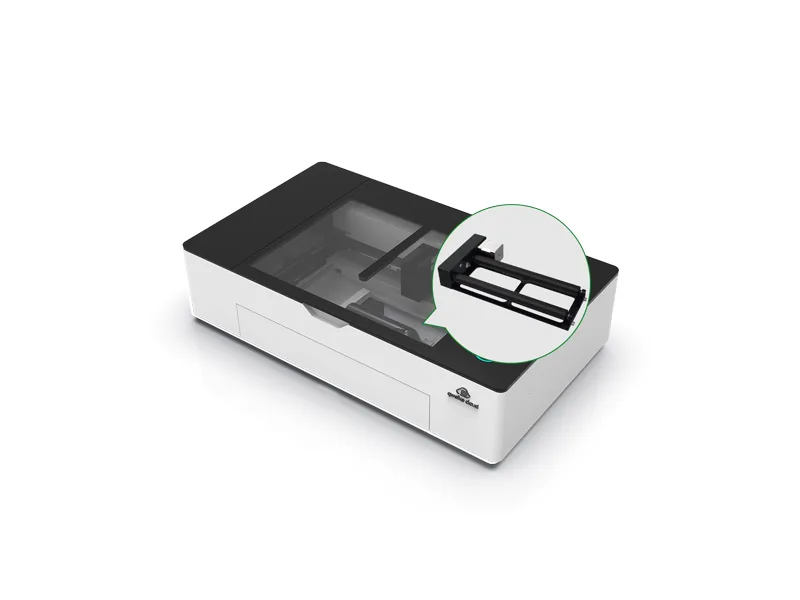
from $1,659 at Gweike, checked Oct 22
- Power 50 W optical
- Work area 510 × 300 mm
- Form Enclosed
- Air assist Built in
Best for: Makers who want an all-in-one enclosed 50W CO2 with the rotary included, if they can catch it in stock
Why we like it
- Water chiller, air assist compressor and exhaust fan are all built in, so there is no external plumbing to buy
- Rotary included in the price, which most rivals sell as an extra
- 5MP wide-angle camera plus autofocus for placing designs on scrap and odd shapes
Watch out for
- Shown as sold out on Gweike's US store, as are the 55W and RF tube versions
- Gweike's browser software runs jobs slower than the offline app or LightBurn
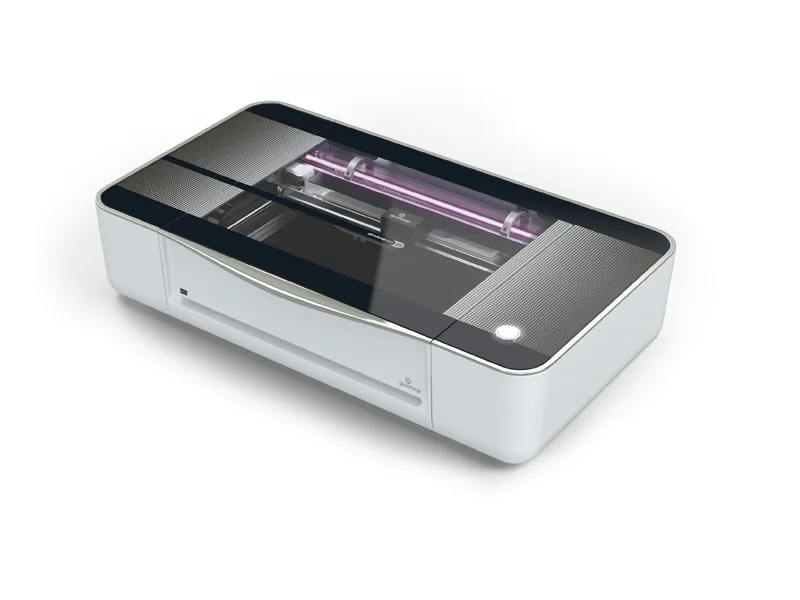
from $7,999 at Glowforge, checked Oct 22
- Power 45 W optical
- Work area 495 × 279 mm
- Form Enclosed
- Air assist Built in
Best for: Small businesses, schools and makerspaces that will pay a large premium for the easiest browser-based CO2 workflow
Why we like it
- The simplest CO2 workflow around: drop a file into the browser app, place it on the live camera view and print
- Dual cameras, Preview Mode and full autofocus make alignment on scrap and odd items easy
- Passthrough slot takes stock up to 20 in wide and longer than the bed
Watch out for
- At $7,999 it costs several times as much as enclosed 50 to 55W CO2 rivals
- Cloud-only software that needs an internet connection: no LightBurn and no offline mode
All 5 compared
| # | Laser | Type | Optical power | Work area | Price | Overall | Value | Safety |
|---|---|---|---|---|---|---|---|---|
| 1 | xTool P2S | CO2 laser | 55 W | 600 × 308 mm | $2,999 | 82 | 80 | 85 |
| 2 | xTool P3 80W | CO2 laser | 80 W | 915 × 458 mm | $6,999 | 81 | 62 | 92 |
| 3 | OMTech Polar Lite 55W | CO2 laser | 55 W | 510 × 300 mm | $2,200 | 75 | 78 | 88 |
| 4 | Gweike Cloud Pro II 50W | CO2 laser | 50 W | 510 × 300 mm | $1,659 | 74 | 84 | 88 |
| 5 | Glowforge Pro HD | CO2 laser | 45 W | 495 × 279 mm | $7,999 | 66 | 38 | 82 |
Frequently asked questions
What is the best CO2 laser cutter for home use?
On our scores it is the xTool P2S (82/100, from $2,999 at xTool, checked Oct 22). Makers and small businesses who want a real CO2 cutter for wood and acrylic products without building a dedicated laser room.
Do I need ventilation for a laser engraver?
Yes. Every laser on this list makes smoke and fumes. Vent it outside through a window kit or duct, or use a proper fume extractor, and never cut PVC or vinyl, which release chlorine gas.
Diode, CO2 or fiber?
Diode for affordable wood and leather work, CO2 for clear acrylic, thick wood and production speed, fiber for marking and engraving metal.