Galvo fiber laser · Desktop galvo · ComMarker
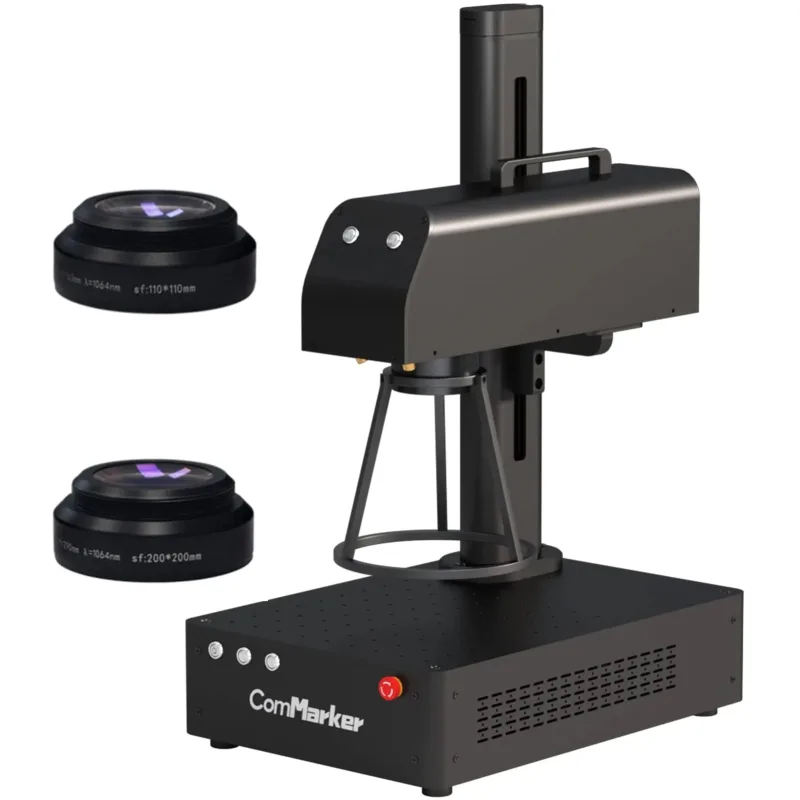
ComMarker B4 30W
Hobbyists and small sellers who want more depth than a 20W for metal engraving at a modest price and are happy to set focus by hand
from $1,599 at ComMarker, checked Oct 31
Image: ComMarker. Prices change often; the shop shows the current price.
Quick verdict
The ComMarker B4 30W is an open galvo fiber marker with a 30W MAX laser source, a motorized lift column and two field lenses (110 x 110 mm and 200 x 200 mm) in the box. At $1,599 on ComMarker's US store it sits a little above 20W machines like the Gweike G2 and gets more depth per pass on metal, with a claimed 15,000 mm/s beam speed. It runs from EZCAD2 Lite on Windows or from LightBurn with a paid galvo licence. There is no autofocus, no enclosure and no MOPA source, so it is a straightforward metal marking and engraving tool, not a cutter or a color marking specialist.
What you still need
Extra 1064 nm safety glasses for anyone else in the room (ComMarker's OD6+ goggles are $44), or the $89 shield or $458 to $567 Safety Enclosure Pro; fume extraction when marking plastics, coated or painted metal (ComMarker's 100W extractor is $359); a LightBurn galvo licence if you want to move off EZCAD; and a D69 or D80 rotary ($282 each, or $177 more when bundled) for tumblers and ringsMaterial reality check
Marks and engraves stainless steel, aluminum (including anodized), brass and other metals, plus hard plastics and leather; deep and relief engraving on metal takes many passes. It does not cut sheet metal at 30W in any practical sense. Wood needs painting first to mark well, and clear acrylic and glass let the 1064 nm beam pass through. Never process PVC or vinyl.Better alternative if
you want autofocus, 50W and a LightBurn licence in the box for about $700 more: OMTech Galvo 50W Autofocus FiberScores
Scored on the same scale for every laser on this site. See all lasers ranked.
Specifications
| Laser type | Galvo fiber laser |
|---|---|
| Form | Desktop galvo |
| Optical power | 30 W |
| Other modules | None |
| Wavelength | 1064 nm |
| Work area | 200 × 200 mm |
| Max speed | 15000 mm/s (maker claim) |
| Cutting (maker claim) | Not a cutter at 30W: ComMarker sells it for marking, engraving and deep engraving (light metal cutting starts with the 50W) and its product page shows 0.3 mm max depth on metal (power and pass count not stated) |
| Precision | 0.01 mm engraving accuracy (maker claim) |
| Air assist | None |
| Camera | No |
| Autofocus | No |
| Rotary support | Yes |
| Safety | Open galvo marker, Class 4 per the manual, with an emergency stop button but no enclosure or interlock. One pair of safety goggles is in the box; ComMarker sells a shield ($89) and the Safety Enclosure Pro ($458 to $567) separately |
| Connectivity | USB |
| Software | EZCAD2 Lite (Windows), LightBurn (galvo licence bought separately, Windows and macOS) |
| Weight | 19.5 kg |
| Price | from $1,599 at ComMarker, checked Oct 31 |
Pros and cons
Why we like it
- Both a 110 x 110 mm fine lens and a 200 x 200 mm large lens come in the box
- Motorized lift column and dual red dot pointers make focusing quick
- 30W gives more depth per pass on brass, aluminum and steel than 20W entry machines
- Works with LightBurn on Windows and Mac as well as the bundled EZCAD2 Lite
- Foot switch, rotary drive box and safety goggles included at $1,599
Watch out for
- No autofocus: you still set the height yourself using the red dot pointers
- No enclosure or interlock, so everyone in the room needs 1064 nm eye protection
- The LightBurn galvo licence costs extra and EZCAD2 Lite is Windows only
- Standard pulsed fiber, not MOPA, so color marking on stainless is less controllable than on MOPA machines
- The 30W is a bigger 19.5 kg machine than the compact 11 kg 20W version
Compare with
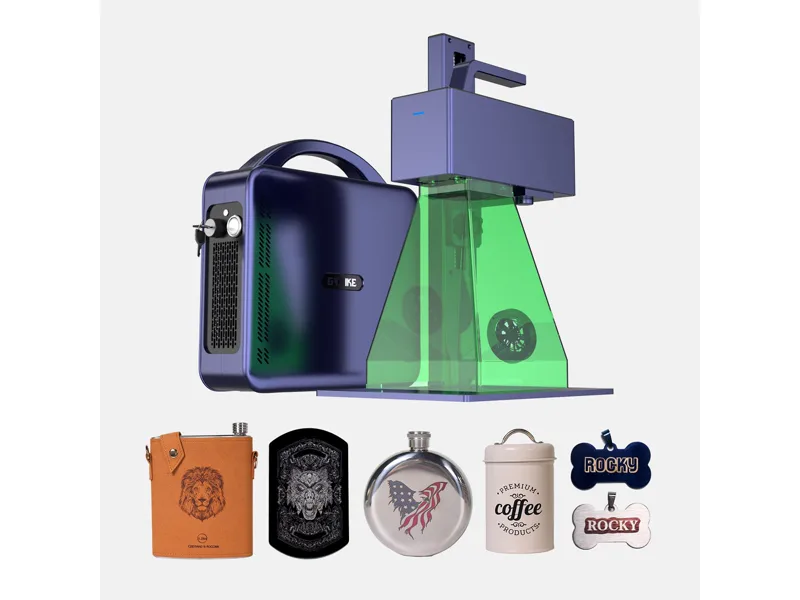
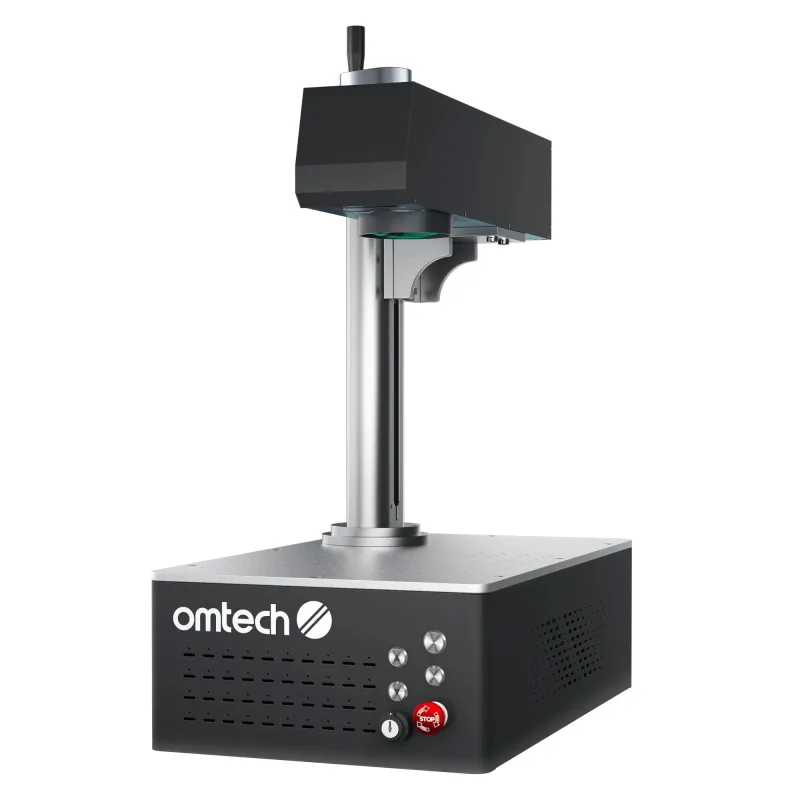
OMTech Galvo 50W Autofocus Fiber
Score 74/100 · from $2,600 at OMTech, checked Oct 31
Compare side by side
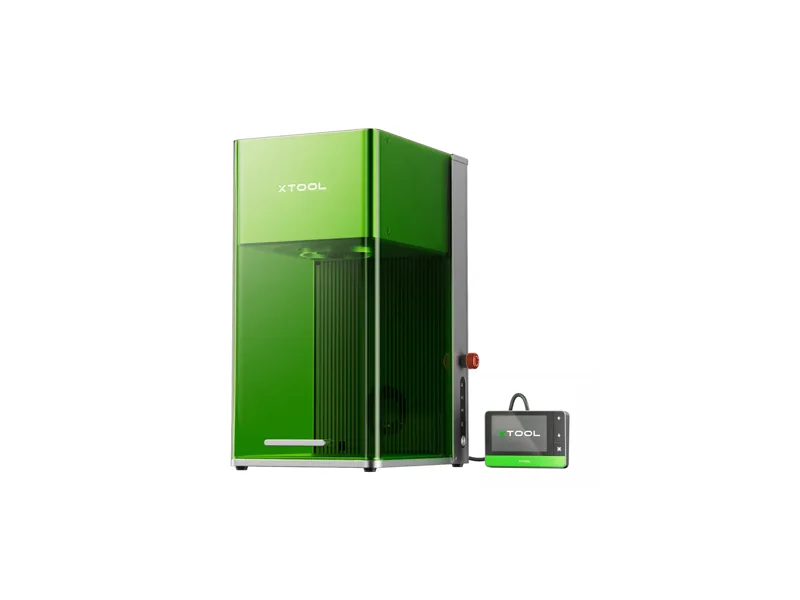
Frequently asked questions
What materials can the ComMarker B4 30W cut and engrave?
Marks and engraves stainless steel, aluminum (including anodized), brass and other metals, plus hard plastics and leather; deep and relief engraving on metal takes many passes. It does not cut sheet metal at 30W in any practical sense. Wood needs painting first to mark well, and clear acrylic and glass let the 1064 nm beam pass through. Never process PVC or vinyl.
What else do I need to buy with the ComMarker B4 30W?
Extra 1064 nm safety glasses for anyone else in the room (ComMarker's OD6+ goggles are $44), or the $89 shield or $458 to $567 Safety Enclosure Pro; fume extraction when marking plastics, coated or painted metal (ComMarker's 100W extractor is $359); a LightBurn galvo licence if you want to move off EZCAD; and a D69 or D80 rotary ($282 each, or $177 more when bundled) for tumblers and rings
How much does the ComMarker B4 30W cost?
From $1,599 at ComMarker, checked Oct 31.
How we rank: by our own scores for power, speed, ease of use, safety and value, from the maker's published specs and independent tests where they exist. Some links earn us a commission (for example TwoTrees, SainSmart, Gweike and Amazon). That never changes a score or the order of a list (disclosure).
Sources
- ComMarker B4 product page (US store)
- ComMarker B4 store data (variants and prices)
- ComMarker B4 spec chart by power (product page image)
- ComMarker B4 size and weight by power (product page image)
- ComMarker B4 user manual (PDF)
- ComMarker Safety Enclosure Pro (accessory page)
- TechRadar: ComMarker B4 laser engraver review (20W, July 2024)