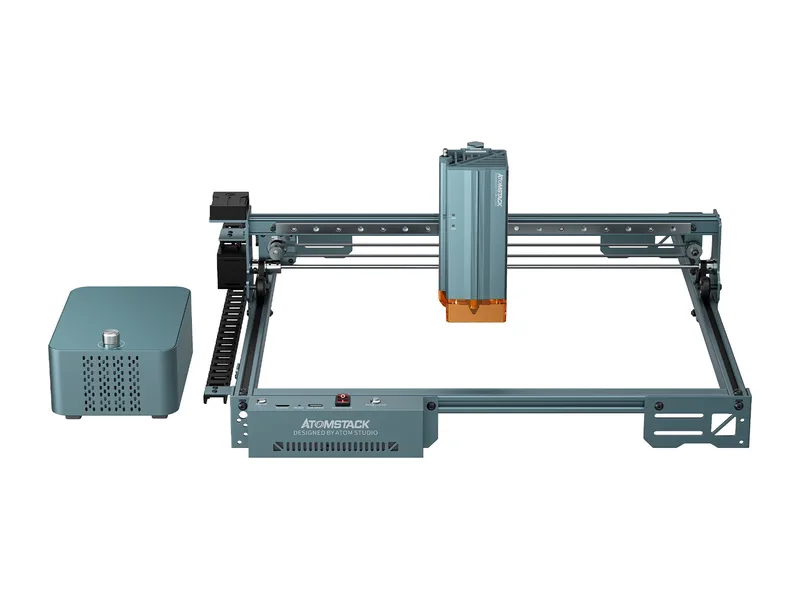
Diode laser · Open frame · AtomStack
AtomStack A40 Pro V2
Hobbyists and small sellers who mainly cut wood up to about 15 to 18 mm and want air assist and autofocus without paying for an enclosure
from $769 at AtomStack, checked Oct 22
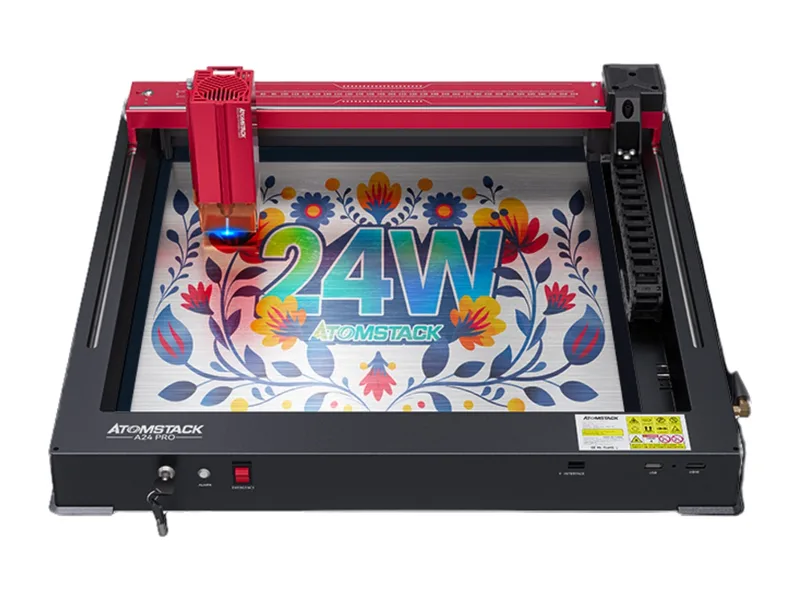
Image: AtomStack. Prices change often; the shop shows the current price.
Quick verdict
The A40 Pro V2 is AtomStack's mid-size open-frame diode laser with a module that switches between a 48W cutting mode and a 24W engraving mode with a 0.08 x 0.1 mm spot. It works on a 385 x 400 mm bed at up to 500 mm/s, and the $769 machine-only price includes an air pump, one-key autofocus, flame and tilt detection and limit switches. AtomStack claims 18 mm softwood in one pass at 48W, but its own image footnote says the 48W and 24W labels indicate modes rather than actual working power, and we found no independent power measurement. The frame needs assembly, the offline touch screen costs extra, and the open beam needs proper ventilation.
What you still need
A honeycomb or F4N matrix panel (the Basic Bundle adds one for $50), fume extraction or the FB2 Plus enclosure ($139 on atomstack.com), the optional touch screen if you want to run jobs without a computer or phone, the R8 Pro rotary ($299 alone, or the $989 Pro Bundle with honeycomb), the $69 extension kit for long work, extra 455 nm rated glasses for anyone else in the room, and a LightBurn licence if you outgrow AtomStack Studio and LaserGRBLMaterial reality check
Cuts wood, plywood, MDF, leather, paper, card and dark opaque acrylic; AtomStack's 18 mm one-pass claim is for basswood, pine and paulownia, so expect less in hardwood. Engraves wood, leather, slate, stone, coated and anodized metals, and can surface-mark stainless steel (AtomStack shows 0.1 mm stainless sheet, which is foil, not plate). It cannot cut metal in any useful way, and like every diode it cannot cut clear or blue acrylic. Never cut PVC or vinyl: the chlorine fumes are toxic and corrode the machine.Better alternative if
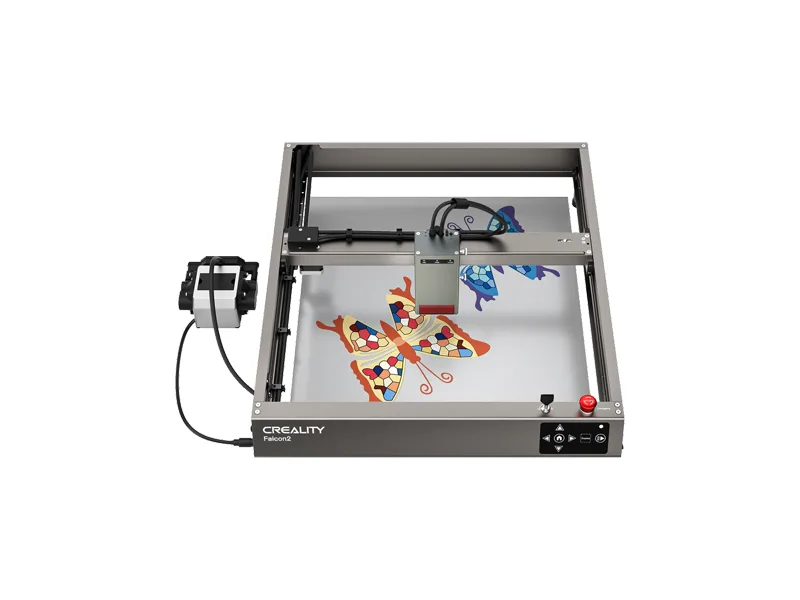
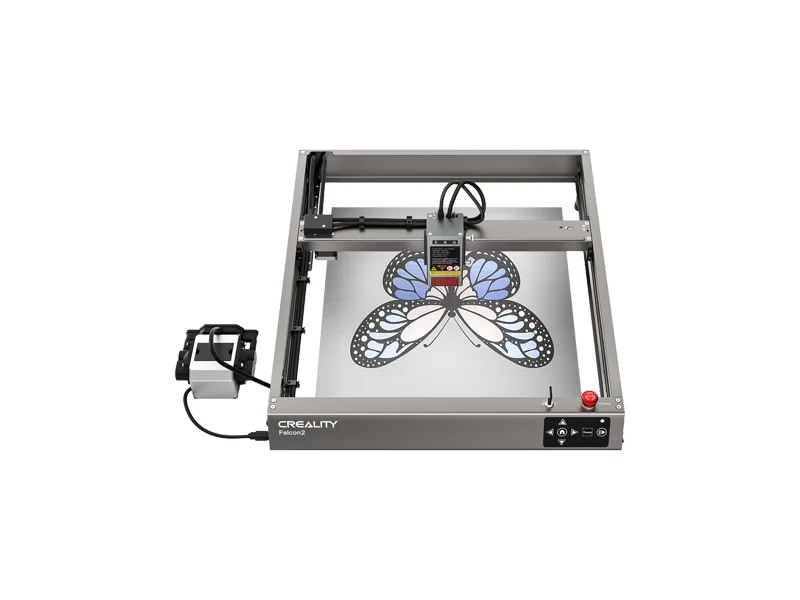
if you want a 40W class open-frame diode for less money, the Creality Falcon2 40W costs about $130 less: Creality Falcon2 40WScores
Scored on the same scale for every laser on this site. See all lasers ranked.
Specifications
| Laser type | Diode laser |
|---|---|
| Form | Open frame |
| Optical power | 48 W |
| Other modules | Same module switches to a 24W mode with a finer 0.08 x 0.1 mm spot for engraving; AtomStack's own image footnote says the 48W/24W switch labels indicate modes, not actual working power |
| Wavelength | Not stated by AtomStack (blue diode) |
| Work area | 385 × 400 mm |
| Max speed | 500 mm/s (30,000 mm/min) |
| Cutting (maker claim) | 18 mm basswood, pine or paulownia in one pass at 48W (maker claim); the spec table lists 20 mm wood and 20 mm acrylic as maximums, passes not stated |
| Precision | Not stated on the product page; 0.08 x 0.1 mm spot in 24W mode (maker claim) |
| Air assist | Included |
| Camera | No |
| Autofocus | Yes |
| Rotary support | Yes |
| Safety | Open frame with an exposed Class 4 beam; flame detection, 15 degree tilt detection, limit switches, a combined power and emergency stop switch, and a magnetic protective cover on the module; enclosure sold separately |
| Connectivity | USB, AtomStack mobile app, Offline via optional touch screen (sold separately) |
| Software | AtomStack Studio, LightBurn, LaserGRBL |
| Weight | 10 kg |
| Price | from $769 at AtomStack, checked Oct 22 |
Pros and cons
Why we like it
- Claimed 48W mode cuts 18 mm softwood in one pass, per AtomStack, where 20W machines need several
- Air pump is in the box and plugs into the control box, with automatic air assist switching
- One-key autofocus plus a fixed-focus block, so changing material thickness is quick
- Flame detection, tilt detection, limit switches and an emergency stop come as standard
- A $69 extension kit stretches the bed to take long boards and signs
Watch out for
- AtomStack's own footnote says the 48W/24W labels are modes, not actual working power, and we found no independent power test
- Frame arrives as parts to assemble, and the touch screen for offline jobs is sold separately
- No camera and no enclosure in the base price; the open beam needs a ventilated space and glasses for everyone in the room
- 500 mm/s top speed is ordinary for photo engraving on a 385 x 400 mm bed
- Spec sheet is loose: no wavelength or accuracy figure, 18 mm vs 20 mm wood claims, and two different extended bed sizes
Compare with
Frequently asked questions
What materials can the AtomStack A40 Pro V2 cut and engrave?
Cuts wood, plywood, MDF, leather, paper, card and dark opaque acrylic; AtomStack's 18 mm one-pass claim is for basswood, pine and paulownia, so expect less in hardwood. Engraves wood, leather, slate, stone, coated and anodized metals, and can surface-mark stainless steel (AtomStack shows 0.1 mm stainless sheet, which is foil, not plate). It cannot cut metal in any useful way, and like every diode it cannot cut clear or blue acrylic. Never cut PVC or vinyl: the chlorine fumes are toxic and corrode the machine.
What else do I need to buy with the AtomStack A40 Pro V2?
A honeycomb or F4N matrix panel (the Basic Bundle adds one for $50), fume extraction or the FB2 Plus enclosure ($139 on atomstack.com), the optional touch screen if you want to run jobs without a computer or phone, the R8 Pro rotary ($299 alone, or the $989 Pro Bundle with honeycomb), the $69 extension kit for long work, extra 455 nm rated glasses for anyone else in the room, and a LightBurn licence if you outgrow AtomStack Studio and LaserGRBL
How much does the AtomStack A40 Pro V2 cost?
From $769 at AtomStack, checked Oct 22.
How we rank: by our own scores for power, speed, ease of use, safety and value, from the maker's published specs and independent tests where they exist. Some links earn us a commission (for example TwoTrees, SainSmart, Gweike and Amazon). That never changes a score or the order of a list (disclosure).
Sources
- AtomStack A40 Pro V2 product page and spec table (US listing)
- AtomStack A40 Pro V2 Shopify product data (prices, stock, images)
- AtomStack A40 Pro V2 combined listing (adds the CA plug variant)
- AtomStack A40 Pro V2 user manual (PDF)
- AtomStack engraving area extension kit for A40 Pro V2
- AtomStack collection page (Celebrate the Win spend-based discount tiers)
- LightBurn forum: Atomstack A40 Pro V2