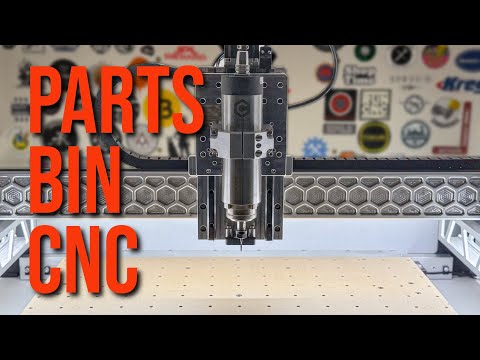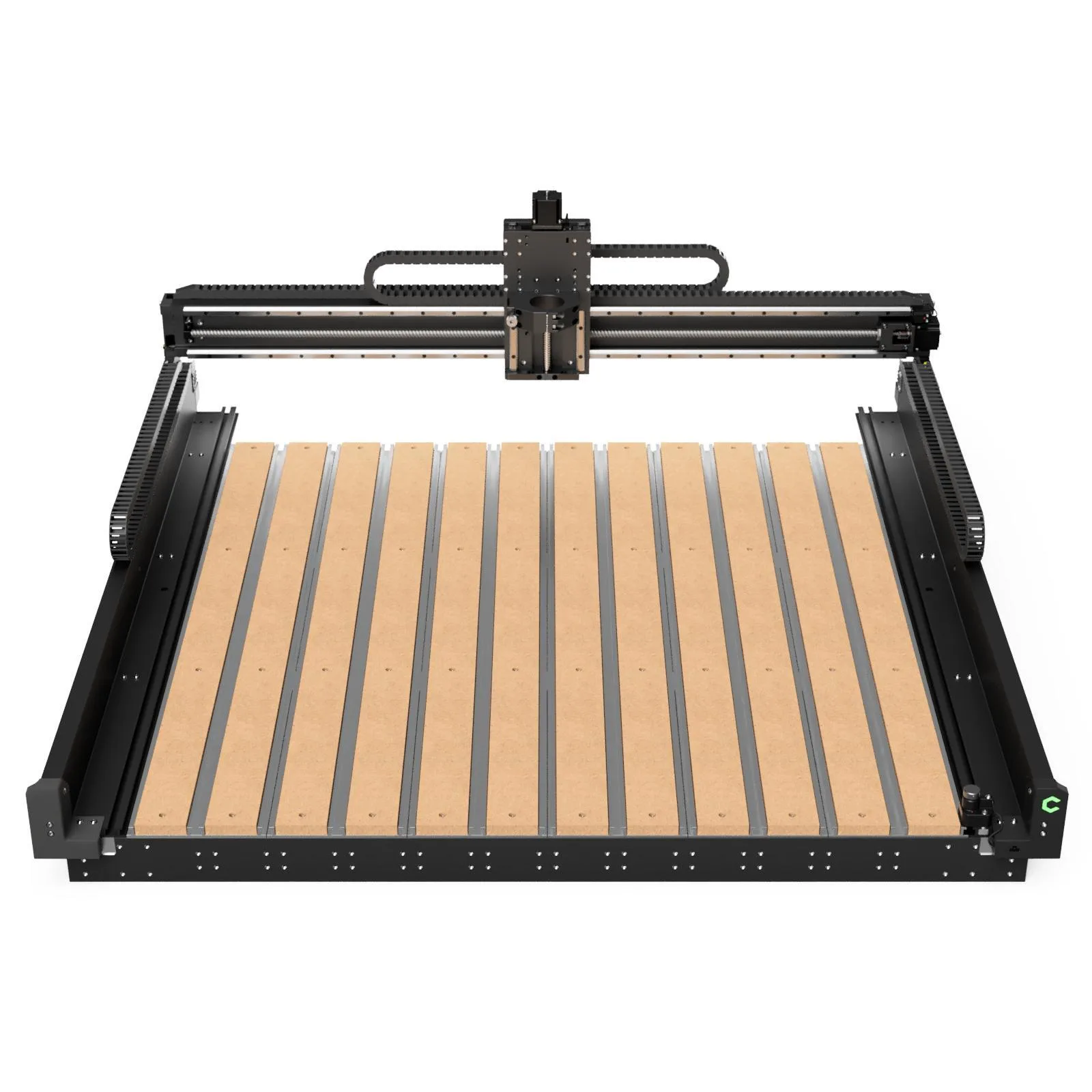
Image: Carbide 3D
Shapeoko 5 Pro
Carbide 3D
Best for: Hobbyists and small businesses who want a complete, polished CNC system with no guesswork
Typical starting price
$1,800Editorial baseline for this machine
Overall score
Best current buying path
Where to buy
Bundle from $1,800 · checked Apr 12
- Shipping varies by retailer
- Check manufacturer site for availability
Affiliate link. We may earn a commission at no extra cost.
Quick verdict
The Shapeoko 5 Pro is Carbide 3D's latest flagship hobby CNC, featuring a significant upgrade over the Shapeoko 4 with linear rails on all axes and a hybrid steel-aluminum frame. The included Carbide Compact Router means it cuts out of the box with no additional purchases. Carbide Create (free CAD/CAM) and Carbide Motion (controller) form a polished, beginner-friendly software stack. The 406x406mm work area is modest for the price, but the build quality, software ecosystem, and community support justify the premium for users who value a turnkey experience.
Who this fits best
Hobbyists and small businesses who want a complete, polished CNC system with no guesswork
Buy this if
You want the most polished beginner-to-intermediate experience in the hobby CNC world, you value software and support as much as hardware, and you want to be cutting quickly with minimal guesswork.
Skip this if
You care more about raw work area, open-controller flexibility, or ballscrew precision than about the polished Carbide 3D ecosystem.
What else you still need
Budget for dust collection, a better starter bit lineup, and possibly the HDZ or BitSetter if you know you will push beyond basic sign work and 2.5D projects.
Material reality check
Wood, plastics, signs, and small business repeat work are the sweet spot. It can tackle light aluminum thoughtfully, but serious metal users usually end up wanting a heavier spindle and a more open control path.
Better alternative if...
you want ball screws and a larger work envelope more than you want Carbide's polished software stack See Onefinity Woodworker X-35 .
Where it wins
- Linear rails on all axes for precision
- Router included -- truly ready to cut out of the box
- Carbide Create and Motion software are free and excellent
- Steel and aluminum hybrid frame is very rigid
- Active community forum with years of knowledge
Where it falls short
- Small work area for the price compared to competitors
- Proprietary controller limits third-party software
- Belt-driven X and Y axes limit positioning accuracy
- Premium price point for a 16x16 inch work area
Specifications
406 × 406 mm
1648 cm²
930W
Carbide Compact Router (65mm, 1.25 HP, included)
32 kg
$1,800
premium
Full specification table
Relative to database
Benchmark Scores
Overall Score
Composite across 5 dimensions
Community Sentiment
Shapeoko 5 Pro owners praise the polished out-of-box experience and beginner-friendly software, but power users often outgrow the work area and feel limited by the proprietary ecosystem. It is widely considered the best 'just works' option for new CNC users.
What owners love
- Linear rails on all axes are a huge upgrade from the Shapeoko 4
- Carbide Create + Carbide Motion make the learning curve very gentle
- Outstanding customer support from Carbide 3D
- The included router means it truly cuts out of the box
- The community forum has years of projects and troubleshooting threads
Common complaints
- Work area feels small for the price -- competitors offer more space
- Proprietary controller locks you out of third-party senders like UGS or CNCjs
- Belt drive on X and Y limits precision compared to lead screw machines
- Dust collection setup is not included and can be tricky to add
- Upgrading to a VFD spindle requires replacing the controller
Typical upgrades
- HDZ (Heavy Duty Z) upgrade for more Z rigidity
- BitSetter for automated tool length measurement
- BitRunner for automatic spindle on/off control
- Sweepy dust boot for chip evacuation
- VFD spindle (requires third-party controller replacement)
Community sentiment is aggregated from forums, Reddit, Discord, and manufacturer communities. Individual experiences may vary.