Building a Hobby CNC on a $500 Budget: Parts to Price Before Buying
A compact MPCNC can handle wood and plastics. A $500 target depends on sourcing and equipment you already own; price the complete BOM before committing.
Table of Contents
- The Path: MPCNC Primo from Scratch
- Realistic BOM with Current Pricing
- TOTAL BUILD COST
- Where NOT to Cut Corners
- Where You CAN Cut Corners
- What You CAN Actually Cut at $500
- Software & Firmware (Free)
- Assembly Reality Check
- Upgrade Path (When You Have More Money)
- Comparison: $500 DIY vs. $500 Kit Machine
- Realistic Expectations
- The Verdict
- Parts for this guide
- Related Articles
A compact MPCNC can handle wood and plastics. A $500 target depends on sourcing and equipment you already own; price the complete BOM before committing.
The secret: MPCNC Primo is purpose-built cheap. It's not a compromise; it's an honest design. You're not getting a "budget version of something expensive." You're getting a machine that costs what it costs because it's genuinely optimized for low cost.
Use the current Primo BOM to prepare a complete quote, including printing, motion parts, compatible electronics, shipping and tax.
The Path: MPCNC Primo from Scratch
This assumes self-sourcing. Compare a configured V1 bundle against your full list; it includes more than frame hardware.
Realistic BOM with Current Pricing
Frame, Tubing and Motion Hardware
| Item | Qty | Cost Each | Source | Total |
|---|---|---|---|---|
| Steel tubing matching the measured C-23.5mm, F-25mm or J-25.4mm printed set | Length from the Primo size calculator | $1.50–2.00 (bulk) | Local hardware store (Lowes, Home Depot) | $30–40 |
| 608-2RS bearings | 45 | Quote the bearing pack | V1 Engineering or a 608-2RS bearing supplier | Price all 45 bearings |
| Fasteners, brackets, couplings | Various | ~$20 | Hardware store + AliExpress | $20–30 |
| MDF for base/spoilboard | 1 sheet | $15–20 | Home Depot | $15–20 |
Frame subtotal: reprice the complete motion BOM, including belts, pulleys, idlers and Z drive.
Motors
| Item | Qty | Cost Each | Source | Total |
|---|---|---|---|---|
| NEMA 17 stepper motors | 5 | $8–12 (bulk from StepperOnline) | $40 to $60 at the stated unit prices |
Why NEMA17: Primo's printed mounts and belt-drive layout are designed around these motors. Choose the specified size and torque; NEMA23 is not a drop-in motor upgrade.
Choose documented NEMA17 motors that fit Primo's mounts and meet its torque requirement; match driver current to the motor datasheet.
Motors subtotal: $40 to $60 at the stated unit prices
Controller & Electronics
| Item | Qty | Cost | Source | Total |
|---|---|---|---|---|
| V1-supported controller bundle with at least five independent motor drivers | 1 | Quote the complete controller bundle | V1-supported controller supplier | Quote the complete controller bundle |
| DC supply matched to the controller, motors and driver settings | 1 | $20–30 | Amazon → | $20–30 |
| USB cable & wiring | Various | $10–15 | Hardware store + generic USB | $10–15 |
Controller subtotal: quote board, drivers, compatible PSU and wiring together.
Spindle (Router)
| Item | Qty | Cost | Source | Total |
|---|---|---|---|---|
| Makita RT0701C | 1 | $95–120 | Amazon → | $95–120 |
Why Makita : The RT0701C is a variable-speed trim router with established mounting options. Match its mains rating, mount and collet to your build.
Spindle subtotal: $95–120
Cutting Tools & Miscellaneous
| Item | Qty | Cost | Source | Total |
|---|---|---|---|---|
| Router bits starter set | 1 set | $20–30 | Amazon → | $20–30 |
| PLA for required printed parts, unless buying a printed set | Approximately 2.2kg printed, plus waste allowance | $15–20 | Amazon → | Price the full printed set or enough PLA for it |
| Drag chains, cable, connectors | Various | $15–20 | Generic hardware + AliExpress | $15–20 |
| Limit switches | 4 for stock X/Y dual-endstop homing | $2–3 | $8 to $12 at the stated unit prices | |
| Dust collection hose | 1 | $15–20 | Match hose diameter to the dust shoe and extractor | $15–20 |
Tools and misc subtotal: reprice the full printed set, endstops and dust collection.
TOTAL BUILD COST
| Category | Low | High | Realistic |
|---|---|---|---|
| Frame | Reprice complete frame and motion BOM | Reprice complete frame and motion BOM | Reprice complete frame and motion BOM |
| Motors | $40 | $60 | Quote five motors |
| Controller | Quote matched electronics | Quote matched electronics | Quote matched electronics |
| Spindle | $95 | $120 | $105 |
| Tools & misc | Reprice full parts and accessories | Reprice full parts and accessories | Reprice full parts and accessories |
| TOTAL | Complete total not established | Complete total not established | Complete total not established |
Compare complete machines by the work area, materials and support you need. Price alone does not establish finished-part accuracy or capability.
If buying a V1 bundle, compare its selected contents line by line with your quote:
- Subtract only items actually included in the selected bundle
- Add the bundle's delivered price
- Recalculate after checking motors, drivers, tubing and printed parts
Where NOT to Cut Corners
These corners cost you money in the long run:
Motors
Don't cheap out here. Bad stepper motors:
- Stall under load
- Lose position (crashed tool)
- Have inconsistent step response
- Cost $5 but ruin your day
Buy : documented NEMA17 motors matching the Primo BOM and drivers.
Power Supply
Choose a documented PSU with suitable voltage, capacity and protections. An unsuitable supply can:
- Have inadequate usable output capacity
- Overheat or shut down under load
- Release the magic smoke
Buy : a supply rated for your controller and drive system, installed with appropriate fusing and terminal protection.
Spindle
Small rotary tools suit engraving and light cuts. For larger routing cuts, check:
- Available cutting power
- Duty cycle and cooling
- Toolholding fit and runout
Buy : a suitable variable-speed router, such as the Makita RT0701C for its rated mains supply, with the matching Primo mount.
Where You CAN Cut Corners
Save on cosmetic finish and optional accessories while preserving the specified structural parts, cable movement, and chip control.
3D Printed Parts
Improvise nonstructural cable clips and covers if needed. Print or buy the specified core, trucks and corners; these are load-bearing machine parts.
Cost saving: $15–50 by DIY or accepting "ugly."
Drag Chains
Cable ties can provide strain relief and initial cable management if the cables move through full travel without snagging or excessive bending.
Cost saving: $10–15.
Limit Switches
They're optional to start. Add them later once you understand the machine. The machine works without them; homing is manual.
Cost saving: $8 to $12 for the four switches at the stated unit prices; provide a suitable manual squaring and setup method.
Fancy Enclosure
Budget suitable chip containment and dust control before cutting. A cardboard box is not a validated enclosure or substitute for guarding.
Cost saving: $50–100.
What You CAN Actually Cut at $500
Confidently:
- Wood (softwood, hardwood, plywood)
- MDF
- Acrylic (cast and extruded)
- HDPE (plastic cutting boards)
- Cork
- Leather, with suitable knife tooling
- Foam board
- Mylar templates, with appropriate thin-sheet or knife tooling
With caution:
- Brass (slow, careful feeds)
- Delrin/Acetal plastic
Metal work needs a separate setup assessment:
- Aluminum: possible on a compact, well-set-up MPCNC with suitable tooling
- Steel: specialist light-duty work, not a sensible first project
- Titanium (nope)
A budget build is a useful start for wood and plastics. For regular metal cutting, compare complete machines and actual cutting examples before spending.
Software & Firmware (Free)
No additional cost here:
- Firmware : use the selected board's supported firmware and Primo configuration, such as FluidNC on a supported Jackpot
- CAM software : FreeCAD CAM and DeskProto Free Edition are free options. Fusion for personal use has eligibility and feature restrictions; paid-edition trials are different from free editions.
- G-code sender: GRBL Controller, Candle, UGS (free)
- Design tools: Inkscape (free)
A free software workflow is possible; check licensing, CAM limits and the postprocessor for your controller.
Assembly Reality Check
Building MPCNC Primo from parts:
- Time : allow separately for sourcing, printing, assembly and commissioning
- Tools needed : tube-cutting and measuring tools, drill, hand tools and multimeter; access to a printer or purchased printed parts
- Difficulty: moderate (no advanced machining required)
- Troubleshooting: community is massive; stuck on step 1, someone has answered it
Build time depends on tools, printing, sourcing and troubleshooting. Allow for squaring, controller setup and test cuts as well as assembly.
Upgrade Path (When You Have More Money)
After 6 months of use, you might invest:
| Upgrade | Cost | Benefit |
|---|---|---|
| Custom ballscrew conversion | Price a complete redesign | Requires new mounts, drive layout and calibration |
| Custom linear-guide redesign | Price a complete redesign | Requires redesigned structure and alignment |
| VFD spindle | Quote spindle, VFD, mount and cooling as needed | Adjustable speed and CNC control where supported; check weight, runout and complete installation requirements |
| Upgraded controller | $50–100 | Firmware and features matched to the new board |
Don't do these upfront. Prove the machine works first. Upgrade if you hit limitations.
Comparison: $500 DIY vs. $500 Kit Machine
$500 MPCNC from scratch:
- Work area: choose and price with the Primo calculator
- Precision: verify on representative parts
- Build time: depends on sourcing, printing and experience
- Community support: excellent
- Actual capability: real cuts, real learning
- Personalization: you know every part
$500 Chinese kit machine (3018, etc.):
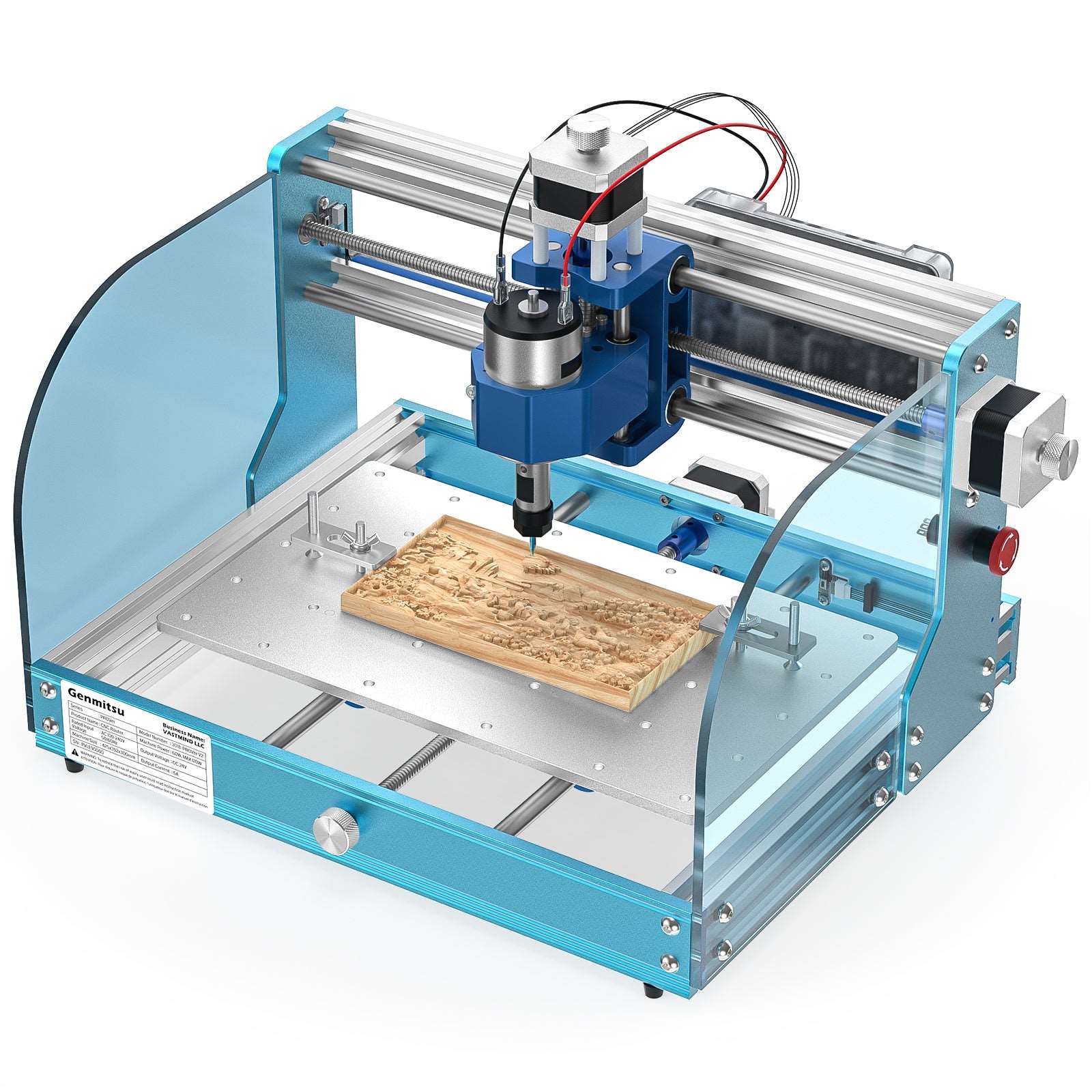
- Work area: 300 x 180mm for Genmitsu 3018-PRO
- Precision: model- and cut-dependent
- Build time: depends on model and preassembly
- Community support: spotty (varies by model)
- Actual capability: light hobby work
- Personalization: many kits can be modified; check documentation
MPCNC offers a configurable work area and hands-on learning; a kit may get you cutting sooner. Compare complete costs, documentation and real test cuts.
Realistic Expectations
A $500 MPCNC will:
- Cut clean wood profiles
- Mill aluminum with suitable tooling, controlled engagement and a well-set-up compact build
- Route acrylic beautifully
- Frustrate you occasionally (belt tension, tool crashes, learning)
- Make you proud when you see your first parts
A $500 MPCNC will NOT:
- Guarantee another machine's accuracy without measurement
- Replace a purpose-built metalworking machine for every job
- Run unattended (it needs operator attention)
- Be "set and forget"
The Verdict
A $500 target needs careful scope and sourcing. A compact MPCNC can teach useful skills, but price the corrected BOM before promising the final cost.
Source individually if you enjoy it, or compare a configured V1 bundle for convenience. Check contents and delivered totals.
Either way: you're building something real. Start cutting. Upgrade later based on what you learn, not what you imagine.
Parts for this guide
If you are buying after reading this, these are the specs to look for.
| Part | What to buy | Where to look |
|---|---|---|
| Primo motor set A Primo uses five NEMA17 motors: two on X, two on Y and one on Z. | Five bipolar NEMA17 motors, at least 50oz-in holding torque, 5mm shafts and driver-compatible phase current. | |
| Primo bearings The stock Primo rolls on 45 608 bearings, not pillow blocks. | 45 sealed 608 bearings for stock printed assemblies; do not buy pillow blocks. | |
| Primo XY belt hardware X and Y on a Primo are belt driven. | 2mm-pitch GT2 fiber-reinforced belt, 10mm wide, four 16-tooth pulleys with 5mm bores and eight matching idlers; length from Primo calculator. | |
| Structural PLA The full printed set takes about 2.2 kg of PLA. | PLA matching printer filament diameter; approximately 2.2kg for the documented printed set plus waste allowance, matched to measured tube OD. | |
| Supported controller bundle Dual-motor X and Y need five independent motor channels. | V1-compatible controller with five independently configured motor channels and included matched drivers for dual-endstop Primo; select a supported Jackpot bundle and its specified PSU. | |
| Variable-speed trim router A common Primo cutting motor, with a stock 1/4-inch collet. | Makita RT0701C, stock 1/4-inch collet, 10,000 to 30,000rpm, for its rated mains supply; use a matching Primo mount and appropriate regional model outside its rated market. |
"Search" buttons open a search for that exact spec, so compare listings against it before buying. Some links earn us a commission at no extra cost to you (disclosure).
Related Guides
Frequently Asked Questions
Can you build a CNC router for under $500?
A sub-$500 build may be possible with reused equipment or favorable sourcing, but this list does not establish it. Price a complete MPCNC BOM; PrintNC Mini is a separate community design with its own CAD and BOM.
What is the cheapest CNC router worth buying?
Small Genmitsu 3018 models offer a compact entry point; check the exact version. FoxAlien Vasto V1 is a different class, with 400 x 400mm XY travel and a price well above the $380 quoted here.
Is it cheaper to build or buy a CNC router?
Building can save money when you already have tools and enjoy the work. Compare complete costs at the same work area and required cuts; price alone does not prove equivalent rigidity.
What materials can a budget CNC router cut?
Budget routers suit wood, plastics and light engraving. Some compact builds also cut aluminum with suitable tooling and controlled engagement; there is no universal $1,000 capability threshold.
What hidden costs come with a hobby CNC?
Allow for extras beyond the machine: bits/end mills ($50 to $150), dust collection ($100 to $300), wasteboard material ($30 to $60), and clamps and workholding ($50 to $100). At these estimates, that is $230 to $610 before optional upgrades. A trim router does not automatically need replacing. See our full hidden costs breakdown.