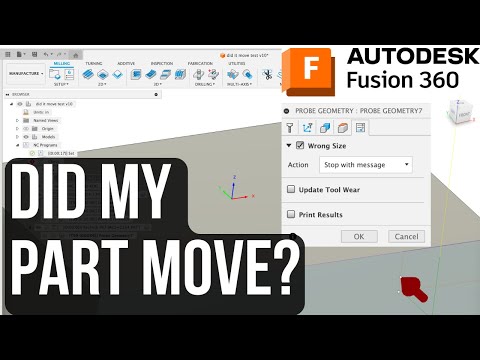
Smart Probing in Fusion 360: Log Any Point and Re-Verify After Machining!
458.0K subscribers
NYC CNC
458.0K subscribers
The NYC CNC YouTube channel focuses on all things CNC, including Fusion 360 CAD & CAM Tutorials and CNC Machining parts. As a self-taught machinists, we enjoy a positive, can-do attitude about learning how to use CAD and CAM software and how to always improve our CNC Machining skills as well as s
This video demonstrates a Fusion 360 probing workflow for CNC mills that allows machinists to log any point on a part and re-verify its position after machining operations. Using a Haas CNC mill with a Renishaw probe, the creator shows how to detect if a part has shifted during cutting due to workholding issues, heat treatment, or aggressive milling. This technique is especially useful for quality verification in setups using vacuum, adhesive, or light clamping.
Video Description
Learn how to use your @haasautomation CNC Mill + @renishaw probe inside Fusion 360 to quickly verify if your part has shifted during machining! In this video, I show a simple workflow that lets you probe any point on your part, log that offset, and then re-probe the same point later — perfect for: Checking workholding stability (vacuum, glue, or light clamping setups) Verifying part movement after heat treat, stress relief, or hard milling Whether you’re running a CNC mill or other machin
Top Comments
5If you want to probe a specific location, here's a solution I've used: - Draw a circle with the center point where you want to probe - Convert the circle into a surface body - Select the surface body as the surface to probe - If you are probing along a wall like in your video, adjust the bottom he
Hey man, I know life gets hard and you get busy, but don't wait so long to post next time. I thought your channel was done. lol
Great to see a video. I miss the regular videos. Thank you!
You are a master problem solver
On okuma the renishaw use variables for probing so I wanna say like vs83 is single surface x deviation so what I do is just a simple if statement vs83 GT .005 N9999 which is right before the m30. I also use it to check features and rerun tools if necessary so if a feature is GT .001 go back to N6 wh
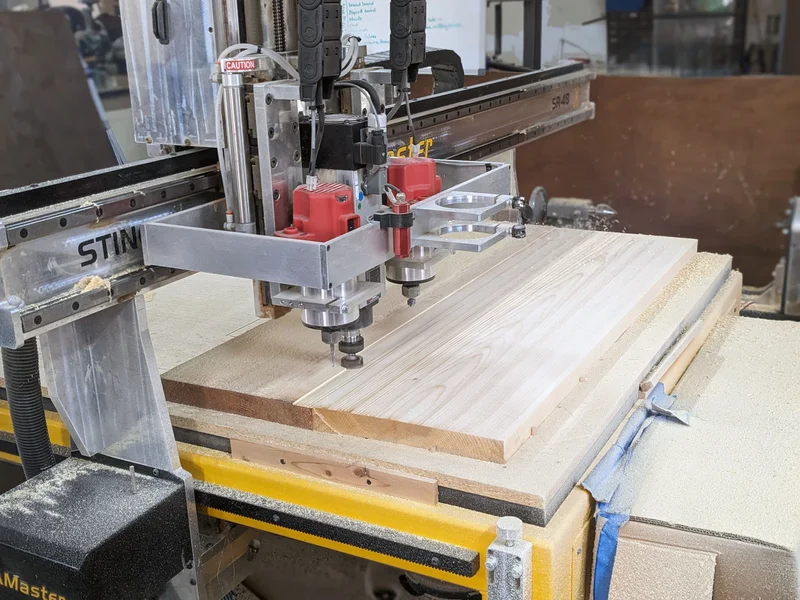
Advertisement
More from NYC CNC
All videos → 4.7K
4.7KHow We Actually Manage Cutting Tools in Fusion 360 (Google Sheets + Tool Libraries)
NYC CNC
2 months ago
 7.0K
7.0KI Broke My Finger… So I 3D Printed a Custom Splint!
NYC CNC
7 months ago
 7.0K
7.0KSTOP Repeating values in Fusion 360! Use CAM Parameters!
NYC CNC
8 months ago
 7.3K
7.3KJohnny 5 ASME servo setup for neck hydraulics!
NYC CNC
9 months ago