Best CNC Routers for Beginners (October 2026)
A good first CNC gets out of your way. That means short assembly, software that works on day one, clear documentation and a community that answers questions. Raw specs matter less than how quickly you get from unboxing to a clean first cut.
Quick picks
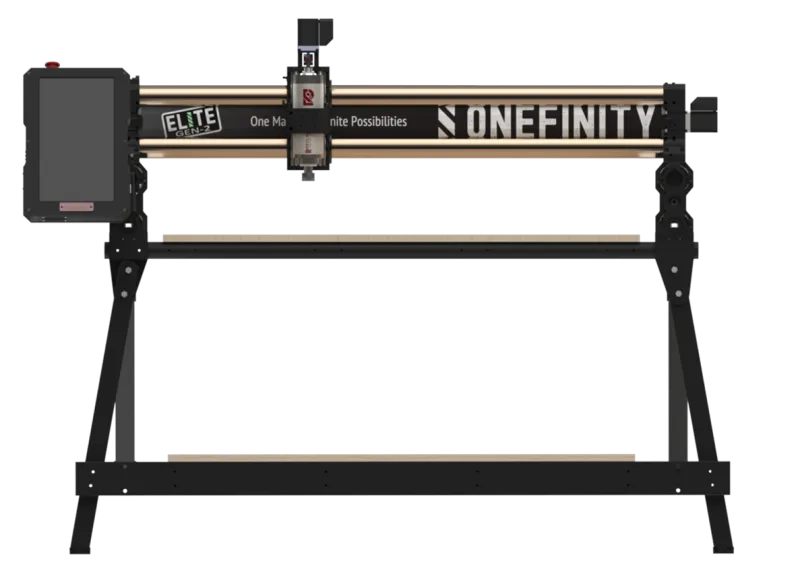
Onefinity Gen 2 Elite Woodworker
Score 85/100 · typical price $2,195
Check price at Onefinity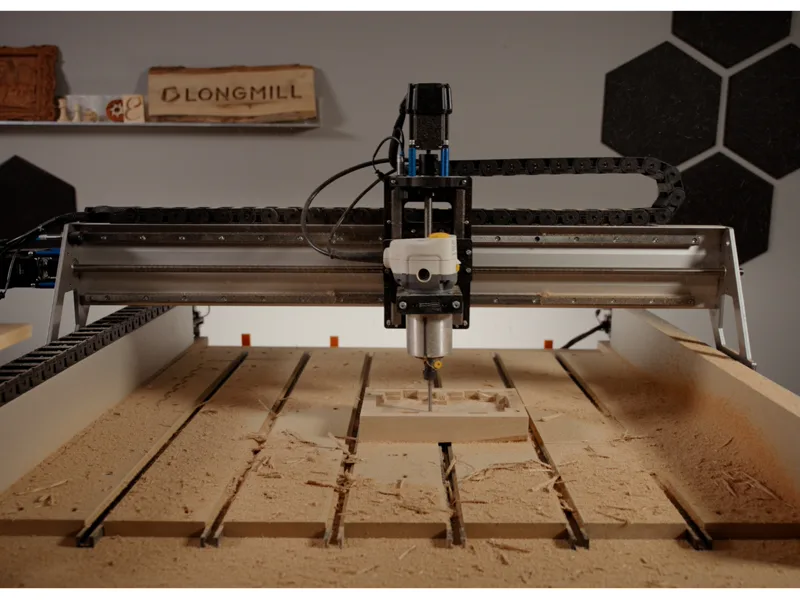
Sienci Labs LongMill MK3 30x30
Score 80/100 · typical price $1,400
Check price at Sienci Labs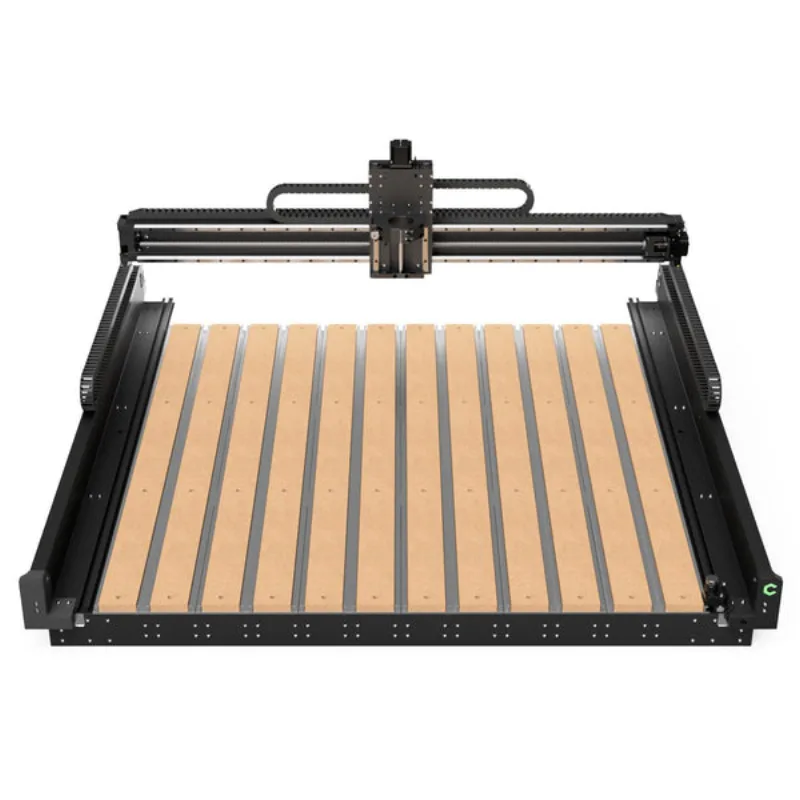
Carbide 3D Shapeoko 5.1 Pro 2x2
Score 80/100 · from $2,980 at Carbide 3D, checked Oct 30
Carbide 3D · $2,980This list only includes machines that score 75 or higher on our ease-of-use benchmark, ranked on ease first and overall quality second. Every price is under $3,000.
How we rank: by our own scores for value, rigidity, precision, ease of use and capability (methodology). Prices are read from the stores every night. Some links earn us a commission, for example from SainSmart, TwoTrees, VEVOR and Amazon. That never changes a score or the order of a list (disclosure).
The 8 best, ranked
typical price $2,195
- Work area 838 × 838 × 165 mm
- Spindle 1500W Optional Redline spindle; power shown is the 1.5kW 110V option,...
- Weight 45 kg
- Frame 60mm hardened steel X linear shafts and 50mm Y, with 16mm ball screws and gap-free snap-in
Best for: Woodworkers wanting closed-loop motors, with optional standalone control for a dedicated workshop setup
Why we like it
- Closed-loop X/Y motors rated 2Nm, plus a 1.2Nm Z motor with brake
- Optional 15-inch touchscreen permits standalone machine control
- 60mm X shafts and 50mm Y shafts with protected ball screws
Watch out for
- Spindle is sold separately, so the real entry price is higher than the headline
- Heavier and needs a dedicated bench
Full review and specs · Compare with Carbide 3D Shapeoko 5.1 Pro 2x2
from $2,980 at Carbide 3D, checked Oct 30
- Work area 623 × 623 × 155 mm
- Spindle 1200W 65mm router or spindle sold separately; listed power and speed...
- Weight 68 kg
- Frame Hybrid Table and T-slot bed with HG-15 linear rails on all axes
Best for: Someone with limited bench space who wants real rigidity and plans to cut aluminium
Why we like it
- HG-15 linear rails on all three axes, not V-wheels
- 16mm ball screws on X and Y with a 1610 on Z
- Compact 2x2 footprint fits a small shop but keeps the 5 Pro rigidity
Watch out for
- Small work area for the money compared to belt-driven machines
- Needs a sturdy bench sized for the machine and workpiece loads
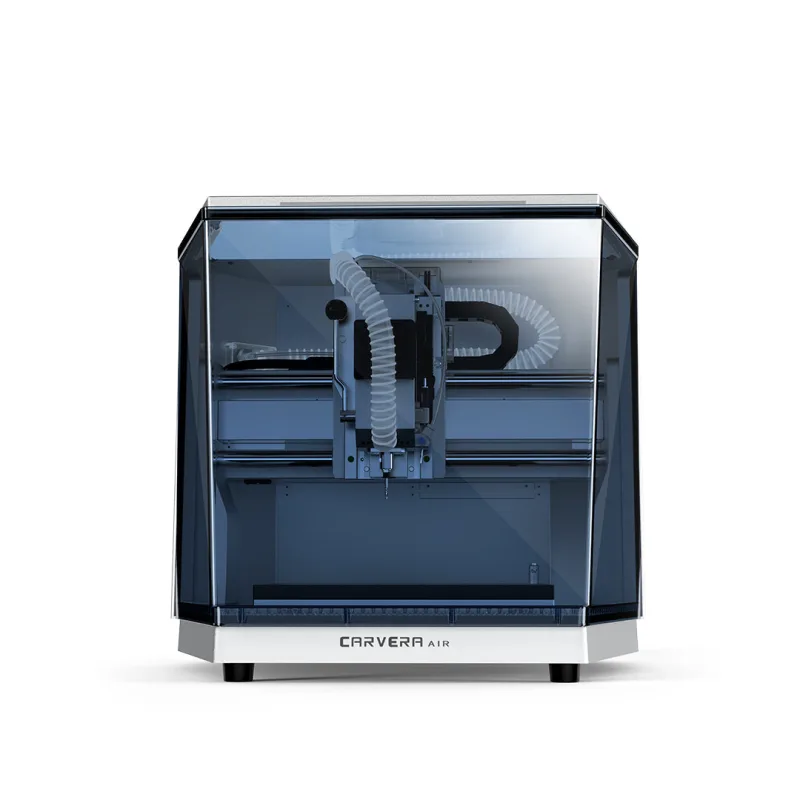
typical price $2,299
- Work area 300 × 200 × 130 mm
- Spindle 200W
- Weight 30 kg
- Frame Die-cast enclosed body, linear rail and ball screw on Z, 20mm hardened rods and ball screw
Best for: Small precision parts in an enclosed desktop machine, with manual tool changes and external dust collection
Why we like it
- Enclosed desktop machine with a lower starting price than the full Carvera
- Ball screws on all three axes
- Approximately 30kg; check bench capacity and space for the lid and extraction
Watch out for
- The tool changer is manual and takes about 10 seconds, it is NOT the Carvera's automatic changer
- 200W spindle limits depth of cut in metal
Full review and specs · Compare with Sienci Labs LongMill MK3 30x30
typical price $1,400
- Work area 813 × 813 × 130 mm
- Spindle 710W Router sold separately; 65 mm and 80 mm mounting options, with...
- Weight 33 kg
- Frame Aluminium frame with 15mm profiled linear rails on all axes and T12 lead screws
Best for: Hobbyists and small shops who want a well-supported 30x30 inch machine for wood and plastics with occasional aluminium
Why we like it
- Profiled 15mm linear rails on every axis, a big step up from the MK2 roller design
- Closed-loop NEMA 23 drives monitor motor position errors
- Ships largely pre-assembled, Sienci quotes about two hours to first cut
Watch out for
- Router is not included, budget for a trim router or the AutoSpin T1
- T12 lead screws on all axes rather than ball screws
Full review and specs · Compare with Carbide 3D Shapeoko 4 XXL
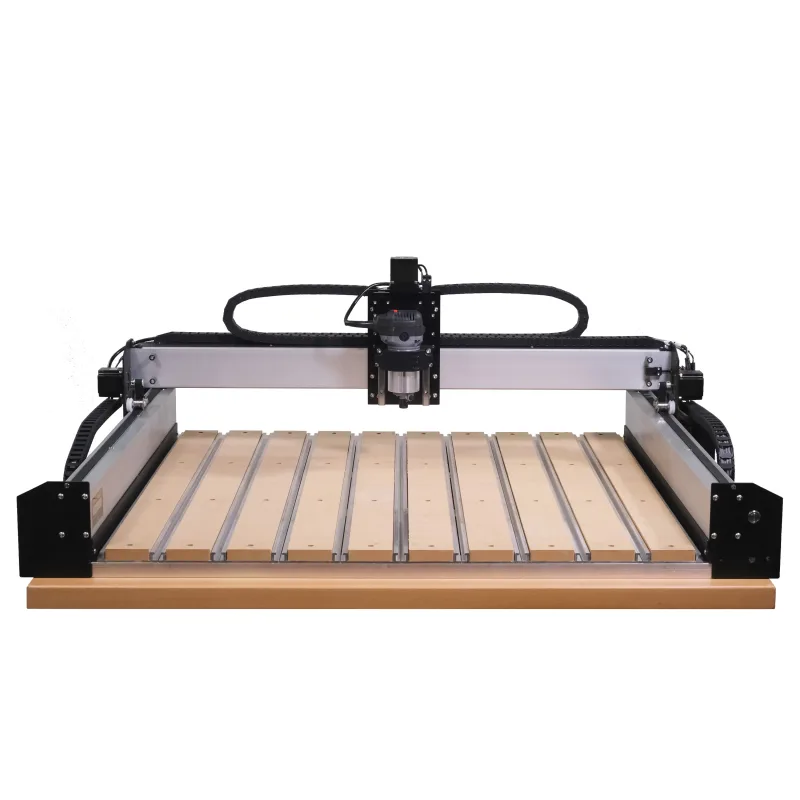
typical price $2,400
- Work area 838 × 838 × 102 mm
- Spindle 710W 65mm compact router sold separately unless selected in a bundle;...
- Weight 57 kg
- Frame Extrusion with V-wheels and 15mm belts on X/Y, Z-Plus lead screw and linear bearings, Hybr
Best for: Sign makers and furniture builders needing a larger hobby cutting area
Why we like it
- 33 by 33 inch cutting area for larger projects
- Same Hybrid Table and software as the Standard
- Huge community and accessory ecosystem
Watch out for
- X/Y belts need correct tension and periodic inspection
- V-wheel adjustment is part of machine setup and maintenance
Full review and specs · Compare with Carbide 3D Shapeoko 4 Standard
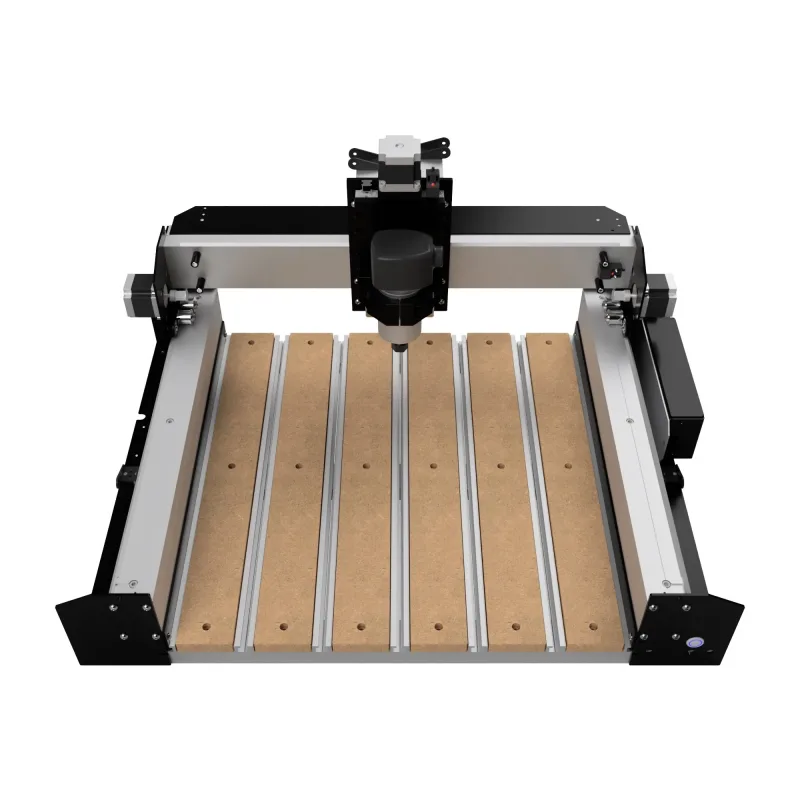
typical price $1,800
- Work area 445 × 445 × 102 mm
- Spindle 710W Optional Carbide Compact Router or compatible Makita router; 65mm...
- Weight 38 kg
- Frame V-wheel X/Y guides with 15mm belts, Z-Plus lead-screw Z with linear bearings, and Hybrid T
Best for: A first workshop CNC for wood and plastics with bundled control software, workholding and maker documentation
Why we like it
- Hybrid Table gives you a flat reference surface and t-slots out of the box
- Maker documentation, user forum and introductory training are available
- Carbide Create and Carbide Motion are genuinely beginner-friendly
Watch out for
- X/Y belts need correct tension and V-wheels need adjustment
- V-wheels wear and need periodic adjustment
Full review and specs · Compare with Sienci Labs LongMill MK3 48x30
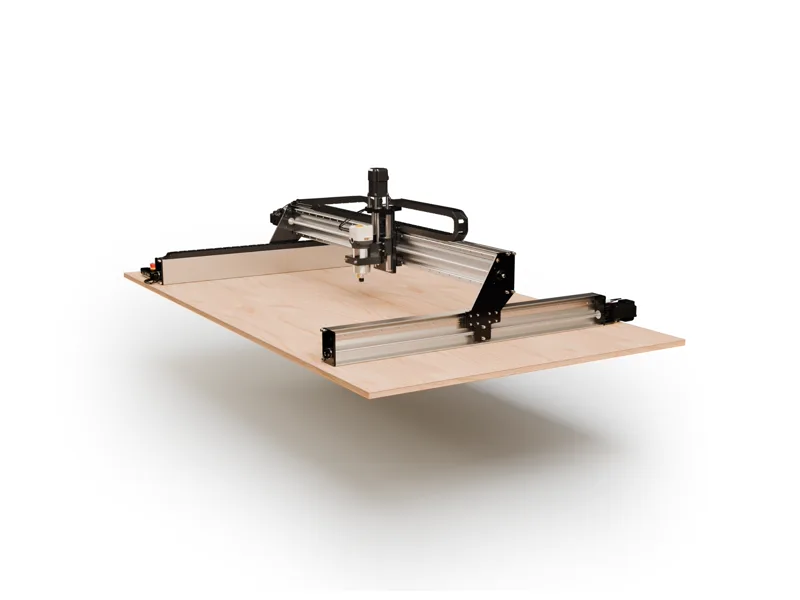
typical price $1,800
- Work area 1245 × 813 × 130 mm
- Spindle 710W 65mm trim router mount, router not included (80mm spindles also fit)
- Weight 36 kg
- Frame Aluminium frame with 15mm profiled linear rails on all axes and T12 lead screws
Best for: Woodworkers who want a large, accurate benchtop CNC for signs and furniture parts without paying for a full-sheet machine
Why we like it
- 49 x 32 inch cutting area handles signs, cabinet parts and long boards
- Linear rails and closed-loop motors on all axes at well under $2,000
- Pre-assembled modules, with the maker estimating around two hours of setup
Watch out for
- Router not included
- An 80mm spindle and matching dust shoe reduce the usable cutting area
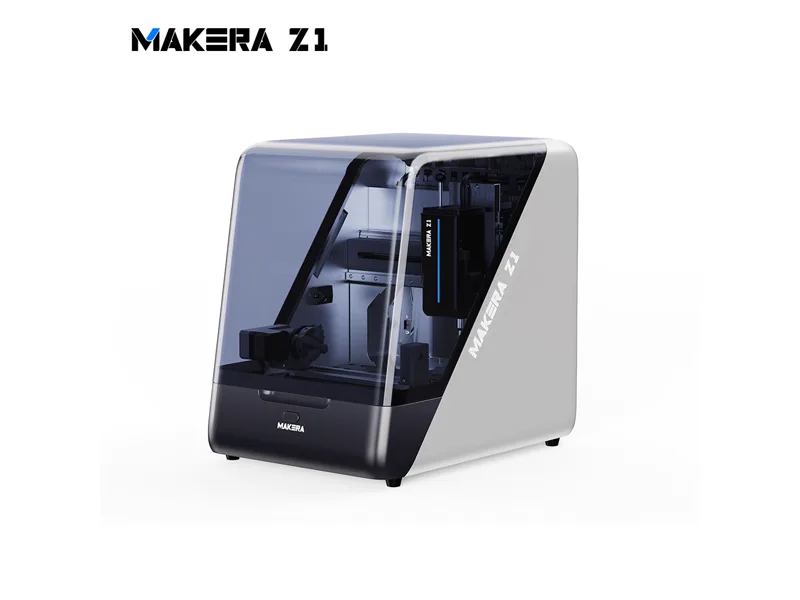
typical price $1,399
- Work area 200 × 200 × 100 mm
- Spindle 150W 150 W closed-loop spindle with manual quick tool change; maker...
- Weight 17 kg
- Frame One-piece cast frame, fully enclosed, linear rails with Acme lead screws (ball screws on Z
Best for: Beginners and makers producing small parts, PCBs and light-metal projects in an enclosed desktop format
Why we like it
- Enclosed cast-frame machine with chip airflow to an outlet; external extraction is an additional consideration
- Mills aluminium and brass in testing despite the small spindle
- Manual quick tool changer; maker specifies 0.01 mm spindle runout
Watch out for
- 200 x 200 mm work area is small even for a desktop machine
- 150W spindle means slow, light cuts in metal
All 30 machines compared
Want to put two of these side by side? Use the compare tool or take the 6-question quiz.
Frequently asked questions
What is the best CNC router for a beginner?
On our scores it is the Onefinity Gen 2 Elite Woodworker (85/100, typical price $2,195). Woodworkers wanting closed-loop motors, with optional standalone control for a dedicated workshop setup.
What is the easiest CNC router to set up?
Machines that ship mostly assembled with their own software stack (the top of this list) are the easiest. Kits you build from extrusions take a weekend and teach you a lot, but they are not the fastest start.
Which software should a beginner use?
Start with the free software your machine supports, such as Carbide Create, Easel or gSender, and move to Fusion 360 or VCarve when you need 3D toolpaths or more control.