Our Pick: Inventables X-Carve
It wins 7 out of 10 comparison categories while costing $2200 less.
Inventables X-Carve wins 4 of 5 spec categories. Inventables X-Carve costs $2,200 less. The overall scores are virtually tied — the differences are in the details below.
Benchmark Scores
Side-by-side score comparison across all five benchmark dimensions.
Overall
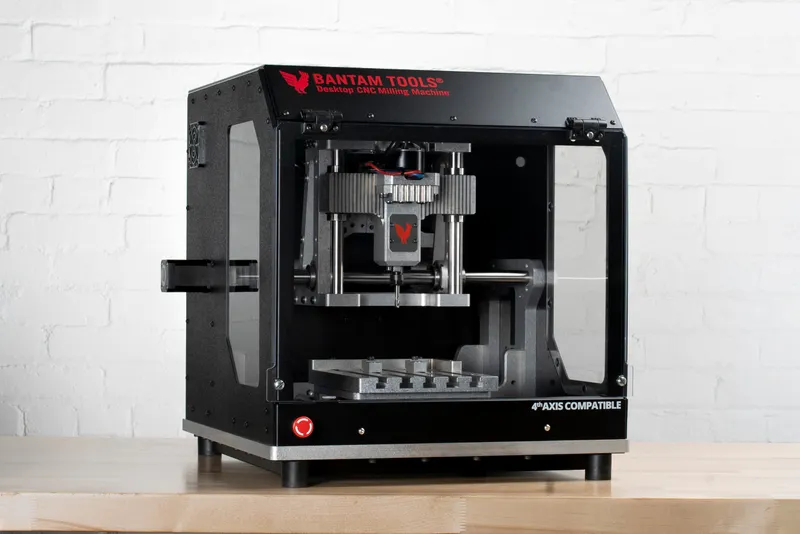
Bantam Tools Desktop CNC Milling Machine
Pros
- Outstanding precision for PCB milling and small parts
- Fully enclosed and self-contained
- Software is extremely easy to use, especially for PCBs
- Excellent for rapid prototyping
- Used by engineers at SpaceX, Google, and other tech companies
Cons
- Very small work area -- only 140x254mm
- Extremely expensive for the size
- 250W spindle limits material removal rate
- Not suitable for woodworking or large projects
- Proprietary software limits flexibility
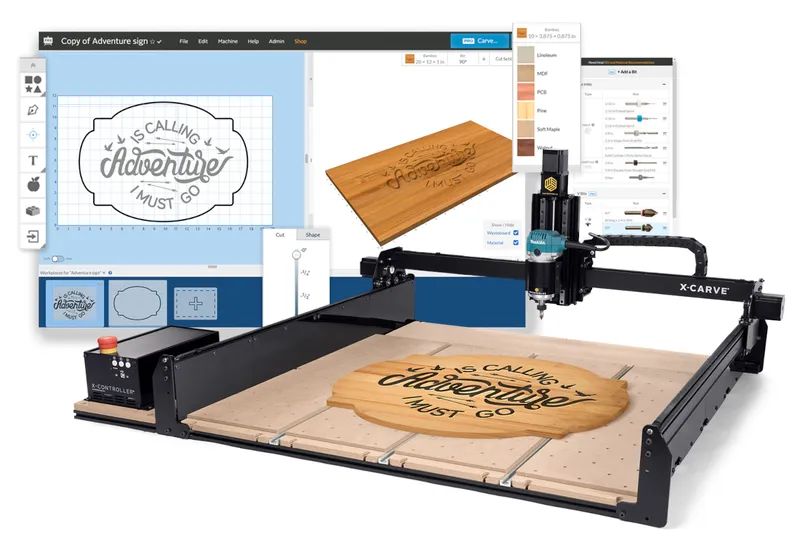
Inventables X-Carve
Pros
- Easel software is the most beginner-friendly CAD/CAM available
- Router included for out-of-box cutting
- Large 750x750mm work area
- Massive community with years of projects and tutorials
- Good selection of add-ons and accessories
Cons
- V-wheel motion system is outdated compared to linear rail competitors
- Rigidity is below average for the price
- Belt drive limits precision
- Easel Pro requires a subscription for advanced features
Verdict
Inventables X-Carve wins this comparison with 7 categories to 3.
It wins 7 out of 10 comparison categories while costing $2200 less.
Where to Buy
Price-first merchant links with the clearest reason to click first.
Bantam Tools Desktop CNC Milling Machine
$3600Inventables X-Carve
$1400As an Amazon Associate I earn from qualifying purchases. Affiliate links may earn a commission at no extra cost.
Frequently Asked Questions
What is the difference between Bantam Tools Desktop CNC Milling Machine and Inventables X-Carve?
The Bantam Tools Desktop CNC Milling Machine ($3600) features a 250W spindle with a 140×254mm work area and a Fully enclosed steel and aluminum frame. The Inventables X-Carve ($1400) features a 900W spindle with a 750×750mm work area and a Aluminum extrusion with steel gantry plates frame. Overall, the Inventables X-Carve wins more comparison categories.
Which is better value for money — Bantam Tools Desktop CNC Milling Machine or Inventables X-Carve?
The Inventables X-Carve is $2200 cheaper at $1400 vs $3600. Our value scores rate the Inventables X-Carve higher at 50/100.
Which router is easier to set up and use?
Based on our ease-of-use benchmarks, the Inventables X-Carve scores higher (92/100 vs 88/100). Both support Bantam Tools Software, Fusion 360, KiCad (PCB milling) among other software options.